 EN
EN

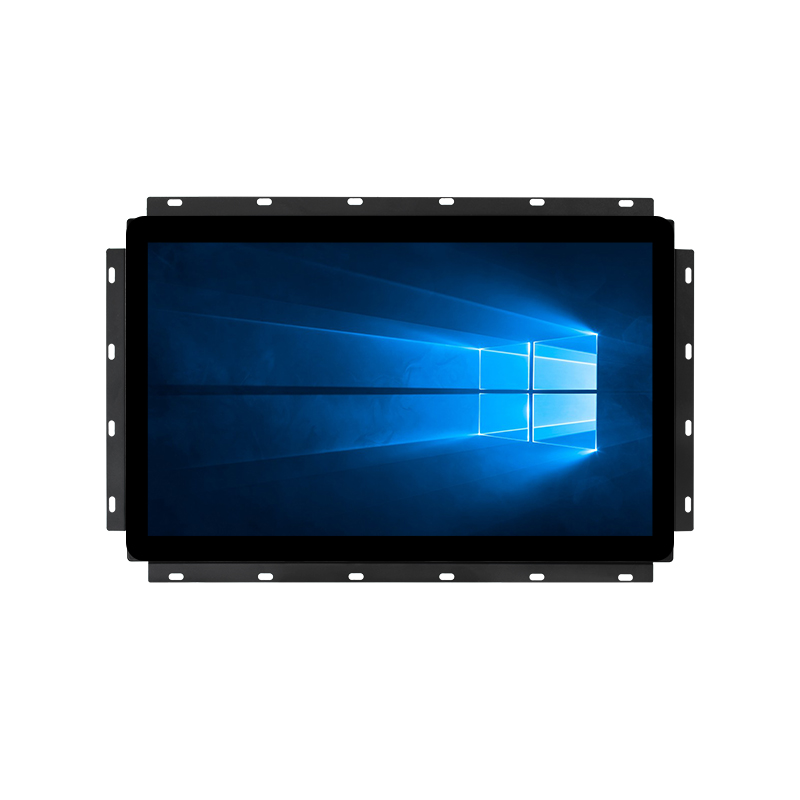
Selecting the right lcd monitor for your business environment requires understanding which technical specifications and performance characteristics deliver genuine value. An lcd monitor serves as the interface between your operations and digital systems, making feature selection critical for productivity, durability, and cost-effectiveness. Whether deploying an lcd monitor in a retail setting, industrial facility, control room, or corporate office, understanding core feature requirements prevents costly purchasing mistakes and ensures long-term operational success.
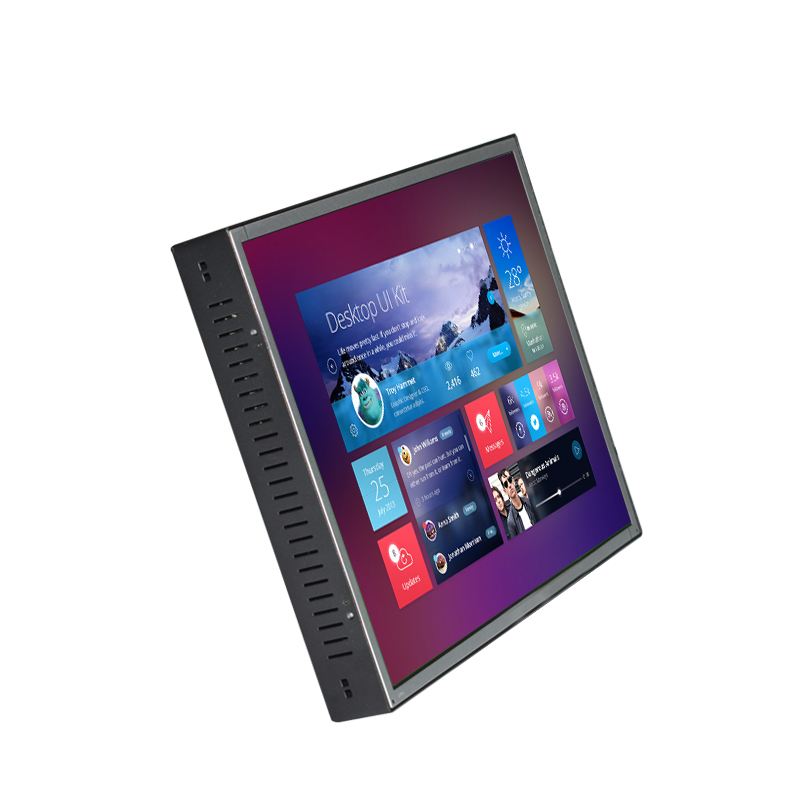
An lcd monitor investment typically represents a multi-year commitment to your operational infrastructure. The decision between basic consumer-grade displays and professional-grade solutions hinges on understanding which feature categories directly impact your specific use case, reliability requirements, and total cost of ownership. This guide explores the most important feature dimensions that separate high-quality lcd monitor solutions from mediocre alternatives.
Display Resolution and Visual Clarity
Resolution Standards for Professional Use
Resolution defines the pixel density and information capacity of your lcd monitor, directly affecting visual clarity and workspace efficiency. Full HD (1920×1080) remains the minimum standard for professional applications, offering adequate detail for most business environments. An lcd monitor with 4K resolution (3840×2160) provides superior image fidelity for design work, video production, data analysis, and detailed inspection tasks where small details matter. Resolution quality in an lcd monitor becomes especially critical in control rooms, security monitoring stations, and medical imaging facilities where operators rely on precise visual information for decision-making.
Pixel density, measured in pixels per inch (PPI), determines whether an lcd monitor displays sharp text and detailed graphics at normal viewing distances. A 27-inch lcd monitor at Full HD resolution provides approximately 82 PPI, adequate for standard office work. The same physical size with 4K resolution delivers 163 PPI, resulting in noticeably sharper text and smoother curves. When selecting an lcd monitor, matching resolution to screen size and typical viewing distance ensures maximum visual comfort and productivity without eye strain.
Aspect Ratio Considerations
Standard widescreen format (16:9) remains the universal aspect ratio for modern lcd monitor displays, compatible with virtually all software applications and content sources. Ultrawide formats (21:9 or 32:9) expand horizontal viewing area, benefiting traders, engineers, and content creators who benefit from expanded workspace. When evaluating an lcd monitor aspect ratio, consider your actual workflow demands rather than pursuing novelty. Most professional environments and standard business applications gain minimal productivity benefit from ultrawide lcd monitor configurations unless specific workflow analysis justifies the investment.
Brightness, Contrast, and Color Accuracy
Brightness Levels for Different Environments
Brightness, measured in nits (candelas per square meter), determines an lcd monitor's visibility in various lighting conditions. Standard office lcd monitor displays operate at 250–300 nits, sufficient for controlled indoor environments with moderate ambient light. Industrial and outdoor-facing lcd monitor applications demand brightness levels of 500–1000 nits to remain legible in bright sunlight or high-ambient-light facilities. An lcd monitor deployed in a retail window, manufacturing floor, or outdoor kiosk requires substantially higher brightness specifications than a desk-based corporate lcd monitor. Insufficient brightness creates visibility problems, reduces usable viewing angles, and forces users into awkward positioning to avoid glare interference.
Dynamic brightness adjustment, where an lcd monitor automatically optimizes output based on detected ambient light, improves energy efficiency and reduces eye strain. Modern commercial-grade lcd monitor solutions increasingly incorporate this feature to adapt to changing daylight and operational lighting conditions throughout business hours. When specifying brightness requirements for an lcd monitor, match output capacity to your actual environmental conditions rather than over-specifying unnecessarily.
Contrast Ratio and Color Performance
Contrast ratio, expressed as the brightness difference between pure white and pure black, affects visual pop and detail visibility in an lcd monitor display. Higher contrast ratios produce more vivid, detailed images, particularly important in video editing, photo review, and monitoring applications where subtle tonal differences carry operational significance. Native contrast ratios of 1000:1 represent acceptable performance; 3000:1 and above indicate premium lcd monitor quality. Dynamic contrast enhancement, where an lcd monitor adjusts backlight intensity based on content, can artificially boost perceived contrast but sometimes reduces color accuracy.
Color accuracy, measured against industry standards like sRGB or DCI-P3, determines whether an lcd monitor faithfully reproduces intended colors. Design-focused professionals, photographers, and content creators require lcd monitor displays with delta-E ratings below 3 (preferably below 2) for reliable color matching. General business applications tolerate broader color variance; an lcd monitor for data entry, email, and document work performs adequately with standard color reproduction. When selecting an lcd monitor for color-critical work, verify factory calibration documentation and colorimeter test results before purchasing.
Panel Technology and Response Characteristics
LCD Panel Types and Their Tradeoffs
Three primary lcd monitor panel technologies dominate modern displays: In-Plane Switching (IPS), Twisted Nematic (TN), and Vertical Alignment (VA). IPS panels, found in most modern professional-grade lcd monitor solutions, deliver superior color accuracy, wide viewing angles (approaching 180 degrees), and consistent image quality from off-axis positions. An lcd monitor with IPS technology suits collaborative environments where multiple viewers observe the display simultaneously. TN panels, older technology, offer faster response times but narrower viewing angles and weaker color reproduction; few high-quality lcd monitor installations select TN panels today. VA panels provide excellent contrast ratios and deep blacks, ideal for lcd monitor applications prioritizing image depth, though viewing angles remain more limited than IPS alternatives.
Your choice of lcd monitor panel type should reflect your primary use case. A gaming-focused or fast-action lcd monitor might prioritize TN response speed, while a professional-grade lcd monitor for design, medical imaging, or collaborative environments demands IPS panel quality. Most modern commercial and industrial lcd monitor deployments favor IPS technology because the viewing angle advantage typically outweighs minor response-time differences in practical business applications.
Refresh Rate and Response Time
Refresh rate, measured in Hertz (Hz), indicates how frequently an lcd monitor updates its displayed image. Standard lcd monitor displays refresh at 60 Hz, perfectly adequate for nearly all business applications, document viewing, and stationary content. High-refresh-rate lcd monitor options (120 Hz, 144 Hz, or higher) primarily benefit gaming, fast-action video, and animation work. Response time, the duration required for an lcd monitor pixel to transition between color states, matters mainly for motion-heavy content. An lcd monitor with 5ms response time suffices for general business use; motion-sensitive applications benefit from lcd monitor specifications under 2ms. Most professional lcd monitor purchasing decisions should focus on refresh-rate appropriateness rather than pursuing unnecessarily high specifications.
Durability, Connectivity, and Deployment Flexibility
Build Quality and Operational Lifespan
Premium lcd monitor solutions incorporate robust housing, improved component thermal management, and extended warranty coverage reflecting manufacturer confidence in durability. Industrial and commercial-grade lcd monitor displays often feature reinforced mounting systems, lcd monitor temperature-regulated design, and conformal coating protecting circuitry from dust and moisture exposure. Mean Time Between Failure (MTBF) ratings indicate expected operational lifespan; enterprise-grade lcd monitor products typically specify 50,000+ operating hours compared to 30,000 hours for consumer-grade alternatives. Thermal stress represents the primary longevity factor; an lcd monitor operating in well-ventilated environments with appropriate temperature management significantly outlasts identical models subjected to poor airflow or extreme temperature variation.
Warranty duration and coverage scope differentiate reliable lcd monitor investment from budget alternatives. Professional-grade lcd monitor warranties typically cover 3–5 years with on-site replacement provisions, protecting against extended downtime. Consumer-grade lcd monitor warranties often provide 1–2 years with mail-in service only. For mission-critical installations, warranty comprehensiveness and manufacturer support responsiveness matter as much as initial purchase price.
Connectivity and Integration Capabilities
Modern lcd monitor displays require versatile connection options to accommodate diverse source equipment and integrate into existing infrastructure. DisplayPort, HDMI, and USB-C represent standard lcd monitor connectivity options; legacy applications may require VGA or DVI inputs. An lcd monitor supporting multiple simultaneous inputs enables seamless switching between content sources without physical cable changes. Integrated USB hubs, networked lcd monitor management capabilities, and Picture-by-Picture functionality enhance deployment flexibility and reduce infrastructure complexity.
Mounting flexibility determines whether an lcd monitor integrates cleanly into your physical environment. VESA-standard mounting compatibility ensures an lcd monitor attaches to standard arms, wall brackets, and kiosk assemblies without proprietary adapters. Tilt, swivel, height-adjustment, and pivot capabilities in an lcd monitor support ergonomic positioning and accommodate diverse viewing angles across different workstations.
FAQ
What makes an lcd monitor suitable for industrial environments?
An industrial-grade lcd monitor combines higher brightness (typically 500+ nits), extended temperature tolerance (-10 to +60°C), reinforced mounting systems, and conformal coating protecting electronics from dust and moisture exposure. Industrial lcd monitor solutions feature longer MTBF ratings, advanced thermal management, and often incorporate fanless cooling designs to operate reliably in harsh manufacturing, logistics, and outdoor facility environments. The best industrial lcd monitor investments prioritize durability and continuous uptime over pure performance specifications.
How does color accuracy affect lcd monitor purchasing decisions?
Color accuracy profoundly impacts lcd monitor value for design, photography, video production, and medical imaging applications where color fidelity directly affects work quality and decision-making. A high-color-accuracy lcd monitor with factory calibration certification ensures reliable color matching across devices and prevents costly rework. General business applications tolerate broader color variance; most data-entry and office-work scenarios don't justify premium lcd monitor color specifications. Always verify whether your specific workflow genuinely demands color-critical performance before investing in premium lcd monitor specifications.
Should I prioritize high refresh rate when selecting an lcd monitor?
Most business applications gain minimal practical benefit from high-refresh-rate lcd monitor options; 60 Hz refreshes perfectly adequately for productivity software, web browsing, and document work. High-refresh-rate lcd monitor specifications (120+ Hz) benefit primarily gaming, fast-action video, and animation workflows. Unless your specific application involves fast-motion content where smooth motion matters operationally, a standard 60 Hz lcd monitor represents smarter purchasing. Focus your lcd monitor budget allocation on resolution, brightness, color accuracy, and durability features aligned with your actual workflow demands.


