Interactive Displays: Revolutionary Multi-Touch Technology for Enhanced Collaboration and Engagement

Get a Free Quote

Our representative will contact you soon.
Email
Name
Company Name
Mobile/WhatsApp
Message
0/1000

interactive displays

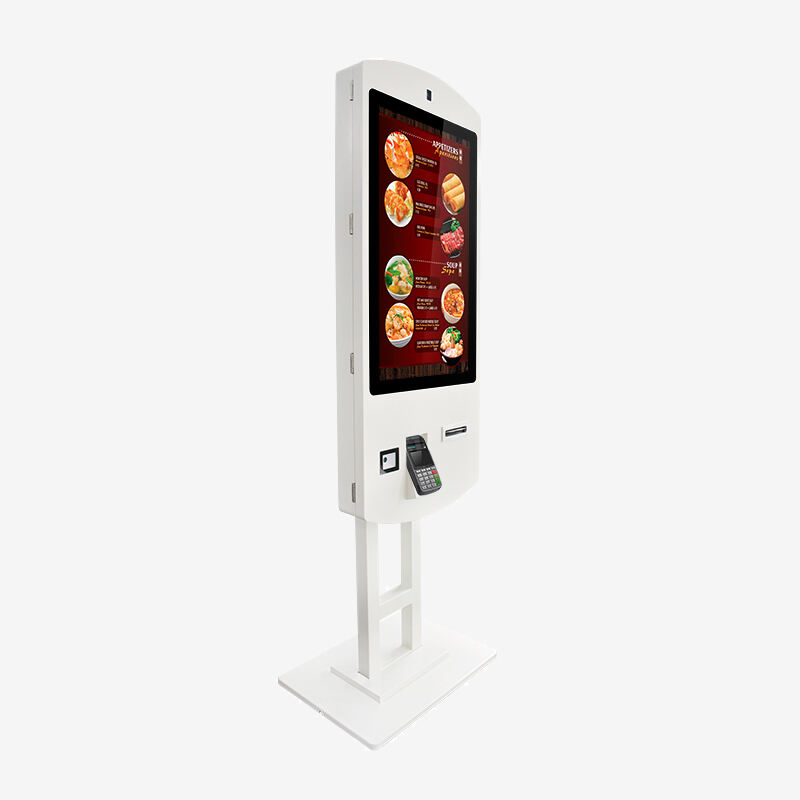
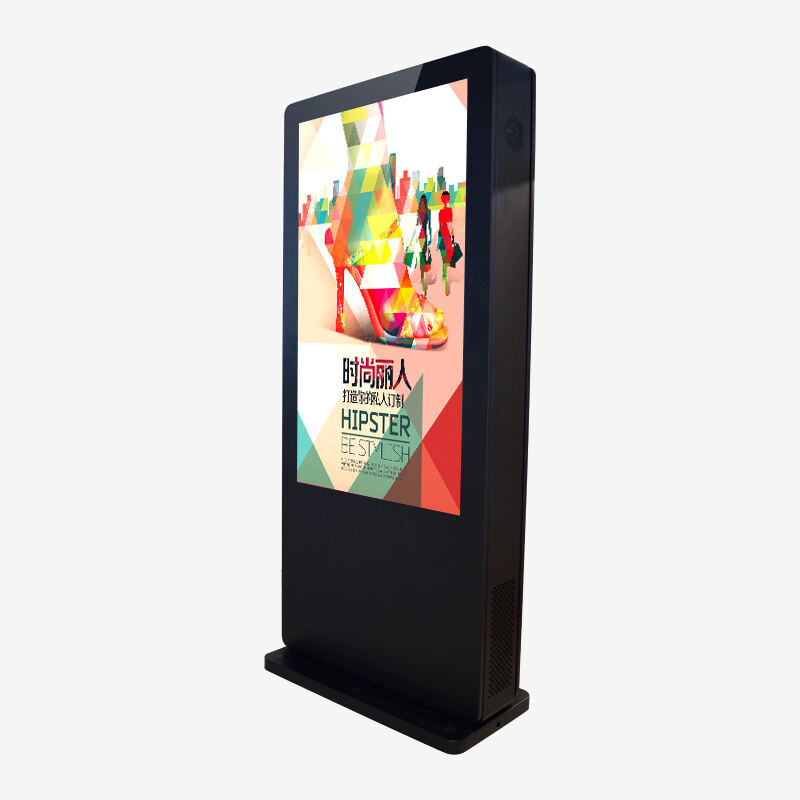
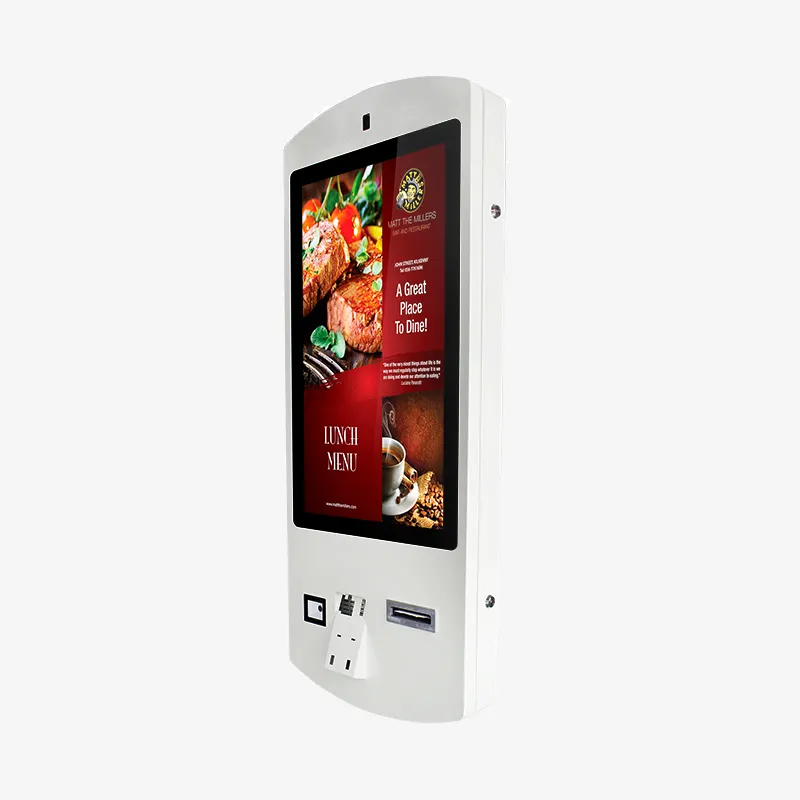
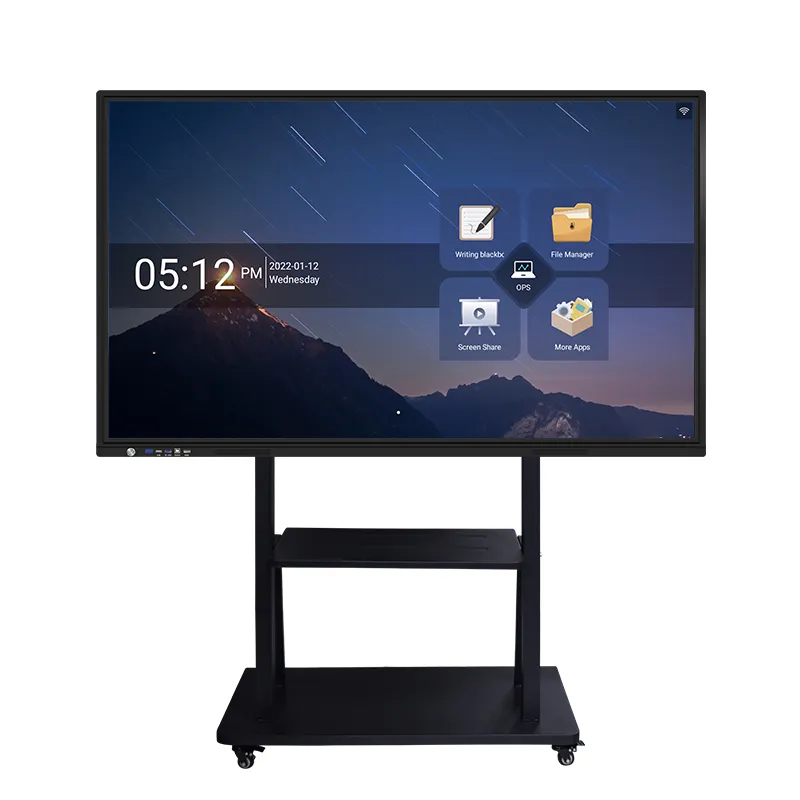
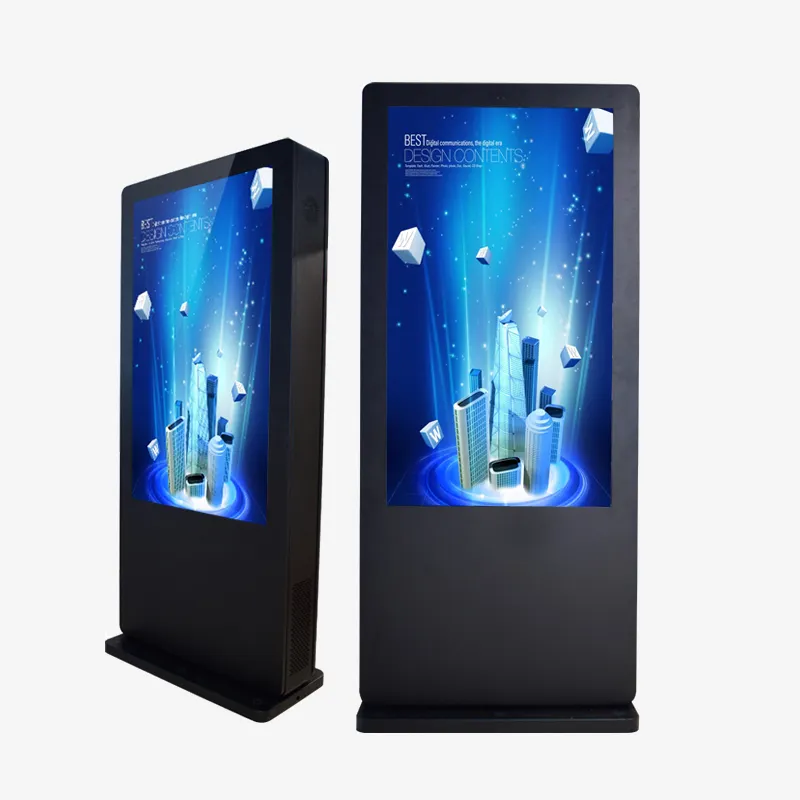
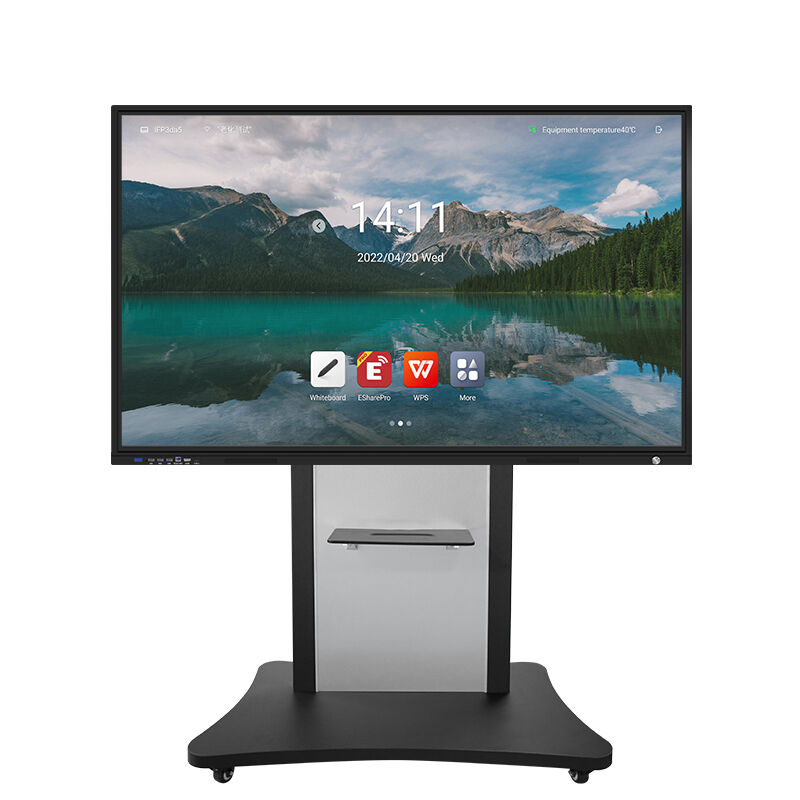
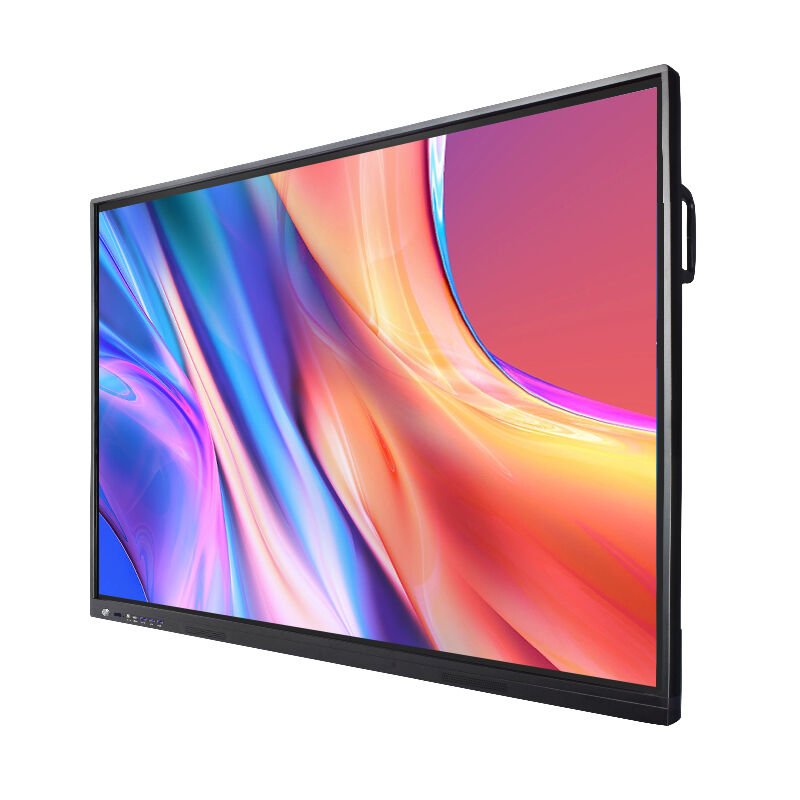
Interactive displays represent a revolutionary advancement in digital communication technology, transforming how businesses, educational institutions, and public spaces engage with their audiences. These sophisticated devices combine high-resolution visual output with responsive touch capabilities, creating immersive experiences that captivate users and deliver information in dynamic, engaging formats. Modern interactive displays integrate cutting-edge LCD, LED, or OLED panel technology with multi-touch sensors, enabling simultaneous input from multiple users while maintaining crystal-clear image quality across various viewing angles. The core functionality centers on intuitive touch-based navigation, allowing users to manipulate content through gestures, taps, swipes, and pinch-to-zoom actions that feel natural and responsive. Advanced processing units embedded within these systems ensure smooth performance when handling complex applications, high-definition video playback, and real-time data visualization. Connectivity features include wireless capabilities, USB ports, HDMI inputs, and network integration options that facilitate seamless content sharing from smartphones, tablets, laptops, and cloud-based platforms. Many interactive displays incorporate built-in cameras and microphones, enabling video conferencing, facial recognition, and voice command functionality. The technological framework supports various operating systems, including Android, Windows, and proprietary platforms, ensuring compatibility with diverse software ecosystems. Applications span numerous industries: retail environments utilize these displays for product demonstrations and customer engagement, educational settings deploy them for collaborative learning experiences, corporate boardrooms rely on them for presentations and brainstorming sessions, museums and exhibitions use them for interactive storytelling, healthcare facilities implement them for patient information systems, and transportation hubs employ them for wayfinding and schedule updates. The versatility of interactive displays makes them indispensable tools for organizations seeking to modernize their communication strategies and create memorable user experiences.

New Product Recommendations

Interactive displays deliver substantial practical benefits that directly impact operational efficiency and user engagement across diverse environments. Organizations experience immediate improvements in audience participation rates when implementing these technologies, as users naturally gravitate toward interactive content over static alternatives. The intuitive touch interface eliminates learning curves associated with traditional presentation tools, enabling anyone to navigate and manipulate information effortlessly. This accessibility translates to increased productivity during meetings, training sessions, and collaborative activities. Cost-effectiveness emerges as a significant advantage, as interactive displays replace multiple traditional tools including projectors, whiteboards, flip charts, and printed materials, consolidating functionality into a single, durable solution. Maintenance requirements remain minimal compared to projection systems that require regular bulb replacements and calibration adjustments. The robust construction of modern interactive displays ensures reliable performance in high-traffic environments, with many units operating continuously for years without significant degradation. Energy efficiency surpasses conventional display technologies, reducing electricity costs while supporting environmental sustainability initiatives. Real-time collaboration capabilities enable remote participants to contribute equally to discussions and presentations, breaking down geographical barriers and facilitating global teamwork. Content management becomes streamlined through centralized control systems that allow administrators to update information across multiple displays simultaneously, ensuring consistency and accuracy throughout organizations. Data analytics features provide valuable insights into user interaction patterns, helping organizations optimize content strategies and measure engagement effectiveness. The professional appearance of interactive displays enhances brand perception and creates positive impressions on clients, visitors, and stakeholders. Installation flexibility accommodates various mounting options, from wall-mounted configurations to mobile stands that adapt to changing space requirements. Software compatibility ensures seamless integration with existing IT infrastructure, protecting previous technology investments while expanding capabilities. Training requirements remain minimal, as most users can operate interactive displays intuitively without extensive instruction. The durability and longevity of these systems provide excellent return on investment, with many organizations reporting significant improvements in communication effectiveness and overall operational efficiency within months of implementation.

Practical Tips

Why Choose a Touch Screen Kiosk for Retail and Service Automation?

23

Dec

Why Choose a Touch Screen Kiosk for Retail and Service Automation?

Modern retail and service environments are rapidly transforming through digital automation, with touch screen kiosk technology leading this revolutionary change. Businesses across industries are discovering that implementing interactive self-service ...
View More
How can digital signage enhance brand visibility and boost sales?

04

Jan

How can digital signage enhance brand visibility and boost sales?

Manufacturing facilities across the globe are rapidly embracing advanced human-machine interface technologies to enhance operational efficiency and streamline production processes. Industrial touch screen displays have emerged as critical components ...
View More
How Does a Mirror Display Combine Functionality and Aesthetics?

10

Jan

How Does a Mirror Display Combine Functionality and Aesthetics?

A mirror display represents one of the most innovative convergences of traditional aesthetics and cutting-edge digital technology in today's commercial and residential environments. These sophisticated devices seamlessly blend the reflective properti...
View More
Which industries are best suited to utilising freestanding self-service kiosks?

16

Jan

Which industries are best suited to utilising freestanding self-service kiosks?

The rapid evolution of digital technology has revolutionized customer service across numerous industries, with freestanding self-service kiosks emerging as a transformative solution for businesses seeking to enhance operational efficiency and custome...
View More

Get a Free Quote

Our representative will contact you soon.
Email
Name
Company Name
Mobile/WhatsApp
Message
0/1000

interactive displays

Advanced Multi-Touch Technology and Gesture Recognition

Advanced Multi-Touch Technology and Gesture Recognition

The cornerstone of modern interactive displays lies in their sophisticated multi-touch technology and comprehensive gesture recognition capabilities, which fundamentally transform how users interact with digital content. These systems employ capacitive or infrared touch sensors that detect up to 40 simultaneous touch points, enabling multiple users to collaborate naturally on the same surface without interference or lag. The precision tracking technology recognizes various gesture types, including single-finger navigation, two-handed scaling, rotation movements, and palm rejection algorithms that prevent accidental inputs while users rest their hands on the screen. This advanced touch sensitivity responds to the lightest contact, eliminating the need for excessive pressure that can cause fatigue during extended use sessions. The gesture recognition system learns and adapts to user preferences, creating personalized interaction experiences that improve over time. Professional-grade interactive displays incorporate zero-bonding technology that eliminates the gap between the touch sensor and display panel, resulting in exceptional clarity and reducing parallax effects that can cause targeting inaccuracies. The tempered glass surface provides durability while maintaining smooth, responsive touch characteristics that feel natural and comfortable. Anti-glare coatings ensure optimal visibility under various lighting conditions, while oleophobic treatments resist fingerprints and smudges, maintaining visual clarity throughout extended use periods. The underlying software architecture processes touch inputs with millisecond response times, creating fluid, real-time interactions that rival smartphone and tablet experiences. Calibration systems automatically adjust touch sensitivity based on environmental factors and usage patterns, ensuring consistent performance across different users and applications. These technological innovations enable seamless transitions between individual and collaborative work modes, supporting everything from detailed design work requiring precise control to large-group presentations where multiple participants interact simultaneously. The result is an intuitive, natural interaction experience that encourages engagement and facilitates productive collaboration in any professional or educational environment.
Seamless Connectivity and Universal Compatibility

Seamless Connectivity and Universal Compatibility

Interactive displays excel in providing comprehensive connectivity solutions that integrate effortlessly with existing technology ecosystems, eliminating compatibility barriers that often hinder digital transformation initiatives. These versatile systems feature extensive port configurations including multiple HDMI inputs, USB-C connections, traditional USB ports, audio jacks, and Ethernet connectivity, ensuring compatibility with virtually any device or platform. Wireless connectivity capabilities support the latest Wi-Fi standards, Bluetooth protocols, and proprietary casting technologies like Miracast, AirPlay, and Chromecast, enabling users to share content instantly from smartphones, tablets, laptops, and other mobile devices without cables or adapters. The built-in wireless presentation software allows multiple participants to connect simultaneously, displaying content from different sources in split-screen or picture-in-picture formats that facilitate dynamic presentations and collaborative discussions. Cloud integration features provide direct access to popular platforms including Google Drive, Microsoft Office 365, Dropbox, and other enterprise solutions, allowing users to access, edit, and save documents directly on the interactive display. Operating system flexibility ensures compatibility with Windows, macOS, Android, iOS, and Linux environments, while supporting both native applications and web-based solutions through integrated browsers. Network management capabilities enable IT administrators to control access, monitor usage, schedule updates, and deploy content remotely across multiple displays throughout an organization. The universal compatibility extends to specialized software applications used in education, healthcare, retail, and other industries, ensuring that organizations can leverage their existing software investments while gaining enhanced interactive capabilities. Security protocols include encryption, user authentication, and network isolation features that protect sensitive information while maintaining ease of use. Regular firmware updates delivered over-the-air ensure continued compatibility with evolving technologies and emerging standards. This comprehensive connectivity approach eliminates the technical barriers that often prevent organizations from adopting new technologies, providing a future-proof solution that adapts to changing technological landscapes while maintaining consistent performance and reliability across diverse hardware and software environments.

Enhanced Learning and Collaboration Capabilities

Enhanced Learning and Collaboration Capabilities

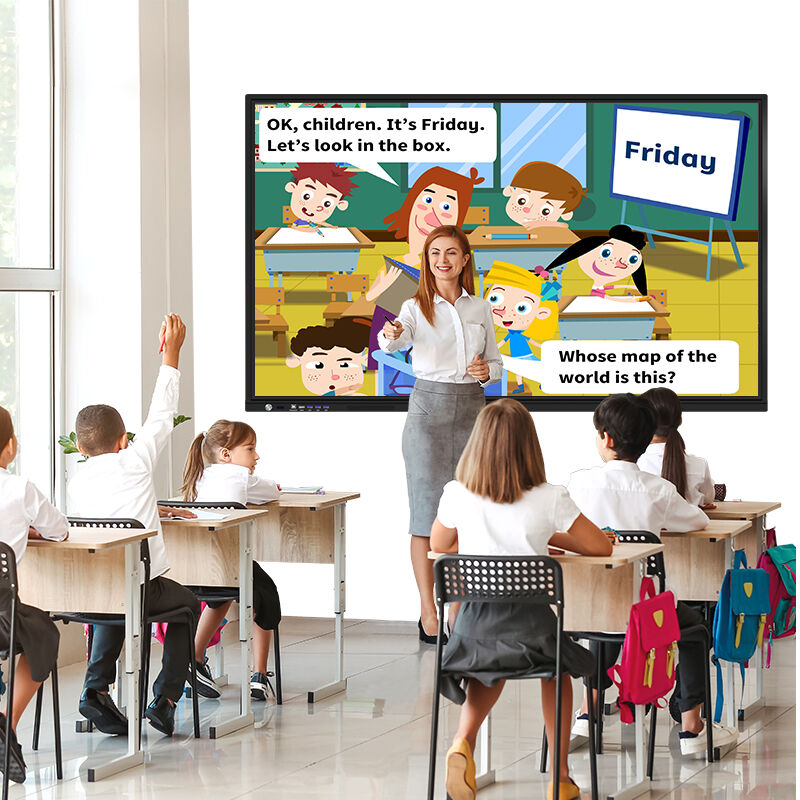
Interactive displays revolutionize collaborative experiences by creating dynamic environments where ideas flourish and learning outcomes improve significantly through engaging, hands-on interaction methods. These powerful tools transform traditional passive presentations into interactive experiences where participants actively contribute, manipulate content, and collaborate in real-time, resulting in dramatically improved retention rates and deeper understanding of complex concepts. The large-format displays accommodate multiple simultaneous users, enabling brainstorming sessions where team members can add annotations, move elements, create diagrams, and share ideas directly on the screen surface. Digital whiteboarding capabilities provide infinite canvas space with advanced tools including various pen types, shapes, templates, and organizational features that surpass traditional flip charts and whiteboards. The ability to save, share, and continue sessions ensures that valuable ideas and discussions are preserved and can be revisited or distributed to stakeholders who were unable to attend meetings. Educational applications benefit tremendously from interactive displays, as teachers can create immersive lessons that accommodate different learning styles through visual, auditory, and kinesthetic engagement methods. Students can manipulate objects, solve problems collaboratively, and participate actively in lessons rather than simply observing presentations. The technology supports differentiated instruction by allowing educators to present information in multiple formats simultaneously, ensuring that visual learners, auditory processors, and kinesthetic students can all engage effectively with the material. Research consistently demonstrates that interactive learning environments improve comprehension, increase participation rates, and enhance long-term retention compared to traditional teaching methods. Corporate training programs leverage these capabilities to create engaging professional development experiences that simulate real-world scenarios and encourage active participation. The collaborative features extend beyond physical meetings through remote connectivity options that enable distributed teams to participate equally in brainstorming sessions, design reviews, and strategic planning activities. Screen recording and annotation capabilities allow organizations to document collaborative sessions, creating valuable reference materials and training resources. The intuitive interface reduces technology barriers, allowing participants to focus on content and collaboration rather than struggling with complicated controls or unfamiliar software interfaces, ultimately leading to more productive meetings and enhanced creative output.

Get a Free Quote

Our representative will contact you soon.
Email
Name
Company Name
Mobile/WhatsApp
Message
0/1000