Seamless Device Integration and Wireless Connectivity
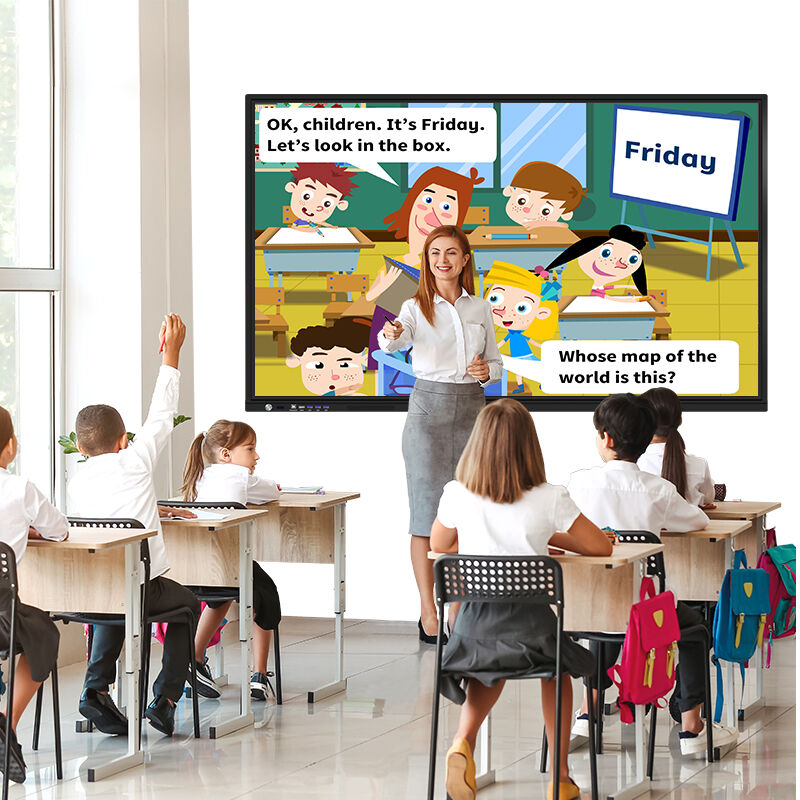
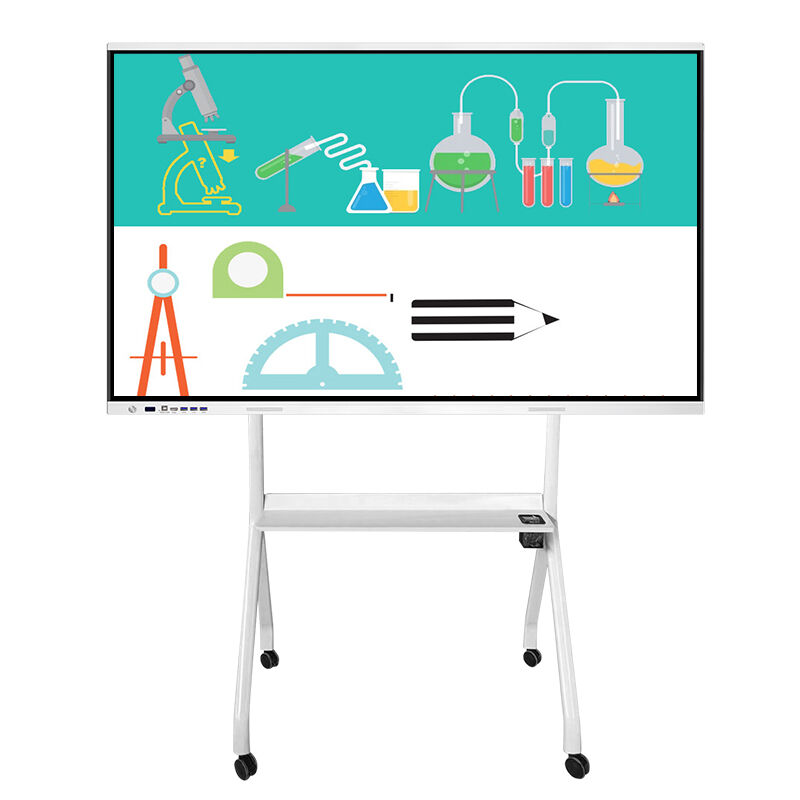
The seamless device integration and wireless connectivity features of interactive flat panels for the classroom eliminate traditional barriers between personal devices and classroom displays, creating a truly connected learning environment. These panels support multiple wireless protocols including Miracast, AirPlay, and Chromecast, enabling students and teachers to share content from any device regardless of operating system or brand. This universal compatibility ensures that BYOD (Bring Your Own Device) policies can be implemented effectively, allowing students to contribute their research, projects, and ideas directly to classroom discussions without complicated setup procedures. Teachers can instantly display content from their laptops, tablets, or smartphones, while students can share their work for peer review and collaborative editing. The wireless connectivity extends beyond simple screen mirroring to include advanced features like split-screen sharing, where multiple devices can display content simultaneously on the interactive flat panels for the classroom. This capability is particularly valuable during presentations, group projects, and comparative analysis activities where students need to examine multiple sources of information side by side. The built-in wireless access point functionality means that even in classrooms with limited network infrastructure, devices can connect directly to the panel for content sharing. Security features protect the classroom network while allowing controlled access for educational purposes. The integration capabilities extend to educational software and learning management systems, enabling teachers to access their lesson plans, assignments, and student data directly through the panel interface. Cloud storage integration allows for seamless saving and sharing of classroom activities, annotations, and student work across different sessions and devices. Interactive flat panels for the classroom often include dedicated mobile applications that transform smartphones and tablets into remote controls, annotation tools, and response systems. Students can participate in polls, submit answers, and contribute to discussions directly from their personal devices while the results are displayed in real-time on the main screen. This integration supports both synchronous and asynchronous learning activities, as students can continue working on shared documents and projects outside of classroom hours. The wireless capabilities also enable distance learning scenarios where remote students can participate fully in classroom activities, contributing to discussions and collaborative projects as if they were physically present.
 EN
EN