Custom Touch Screen Kiosks - Advanced Interactive Solutions for Modern Businesses

Get a Free Quote

Our representative will contact you soon.
Email
Name
Company Name
Mobile/WhatsApp
Message
0/1000

custom touch screen kiosk

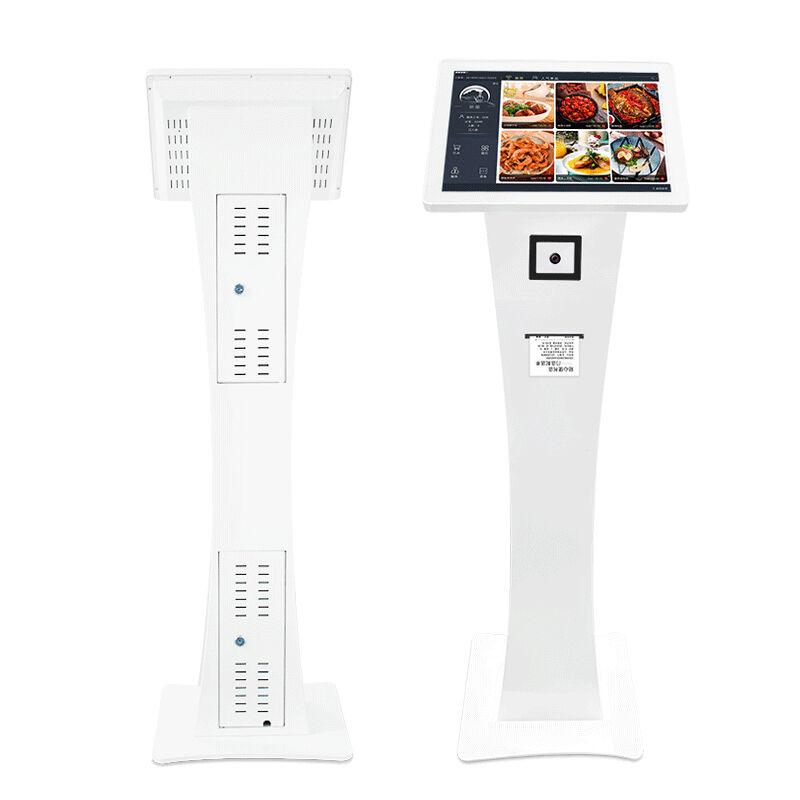
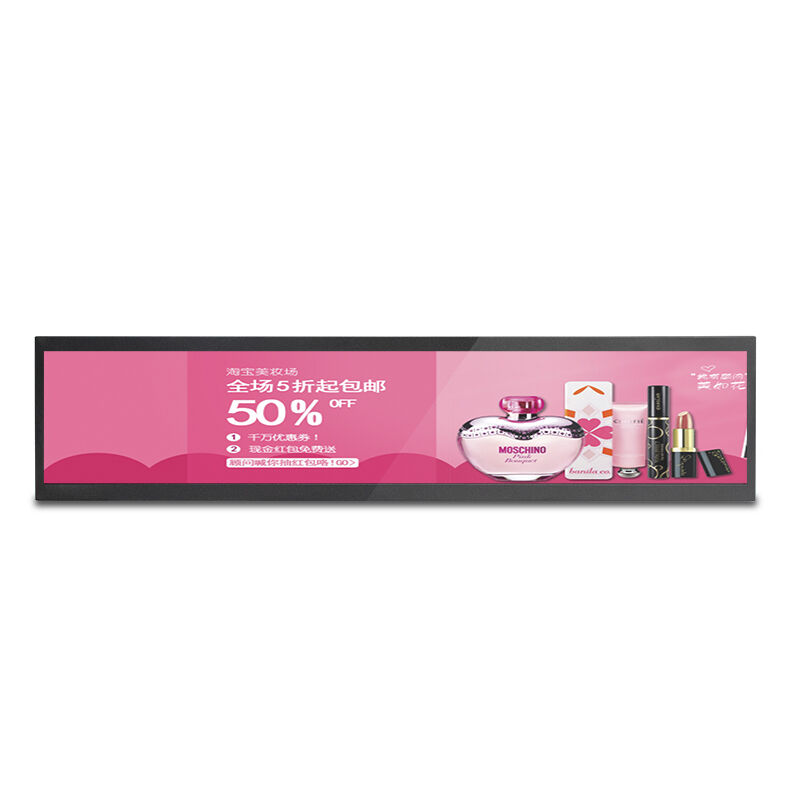
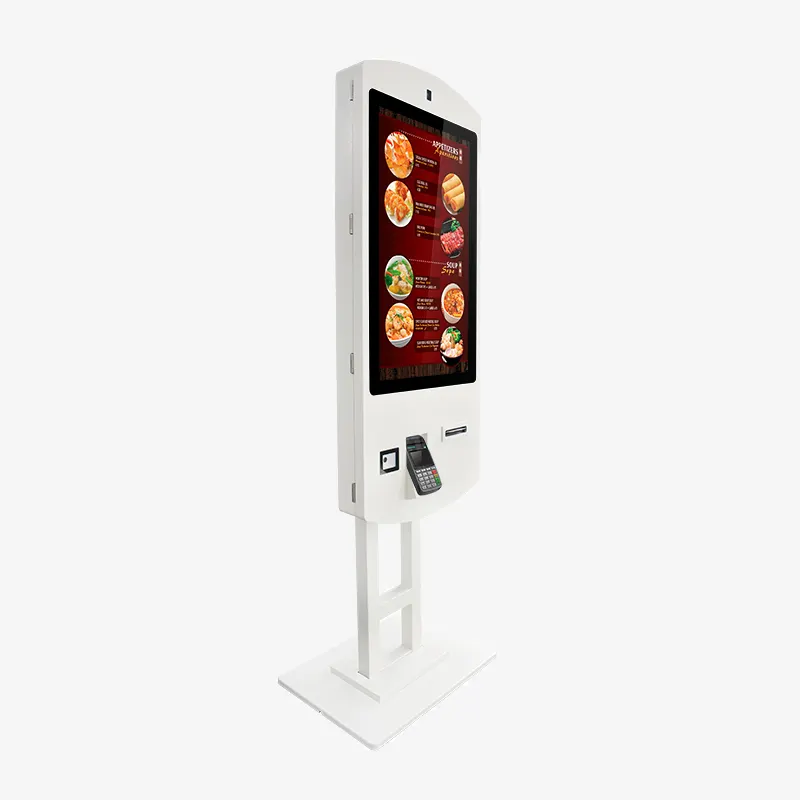
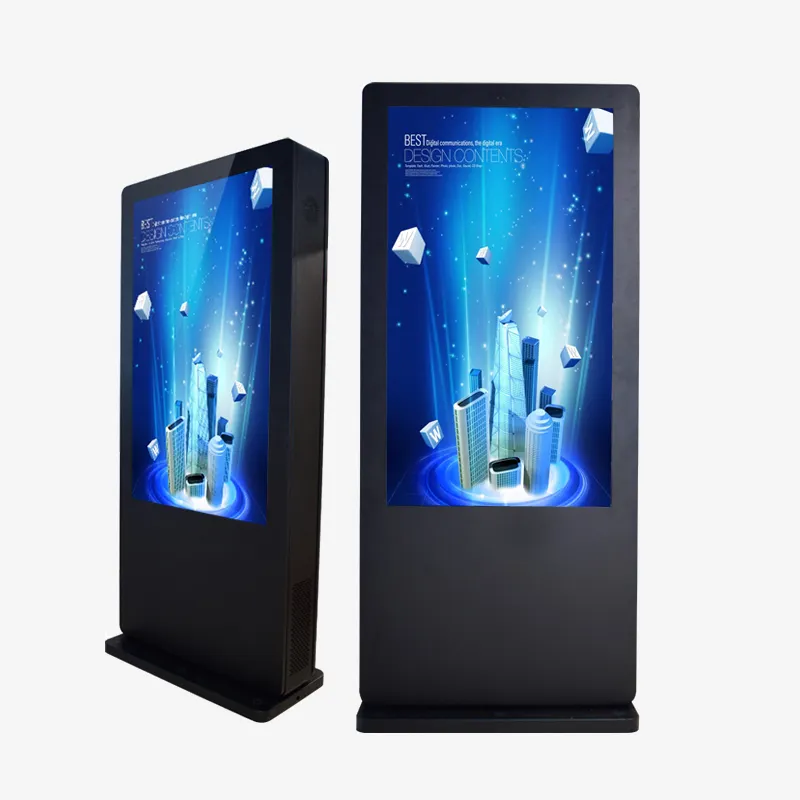
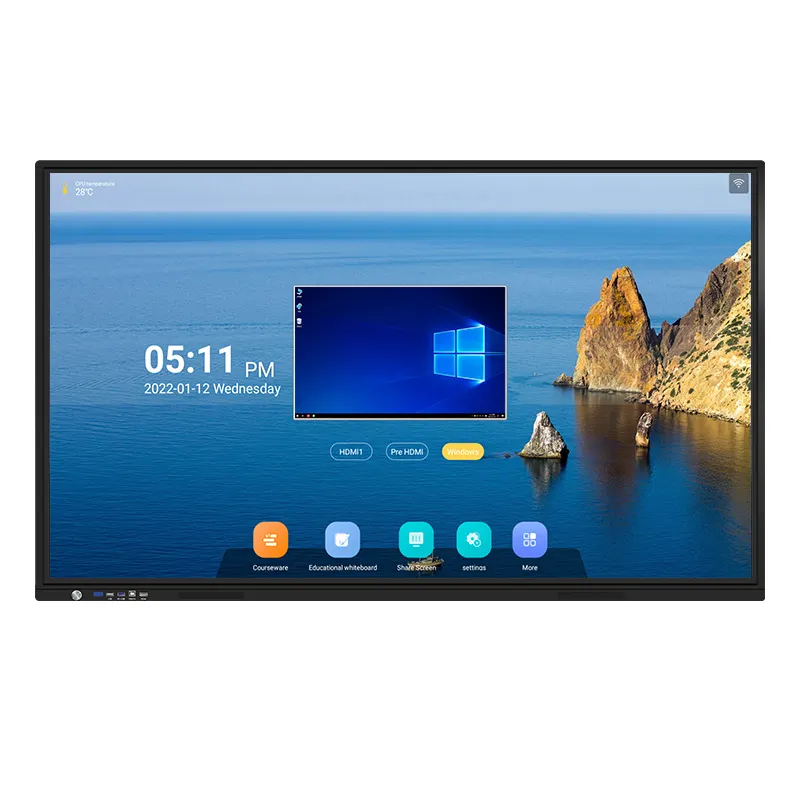
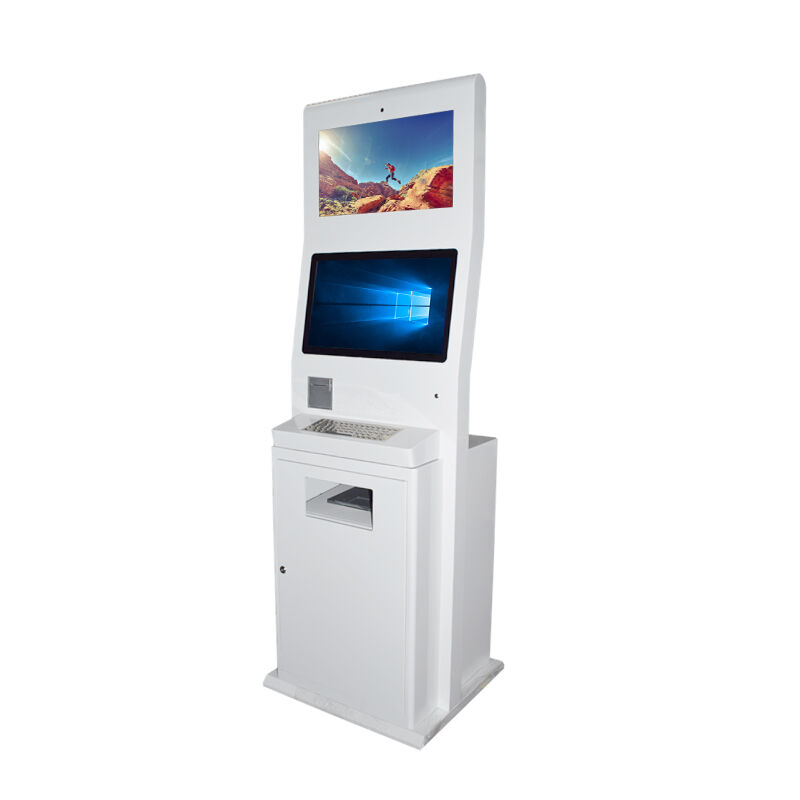
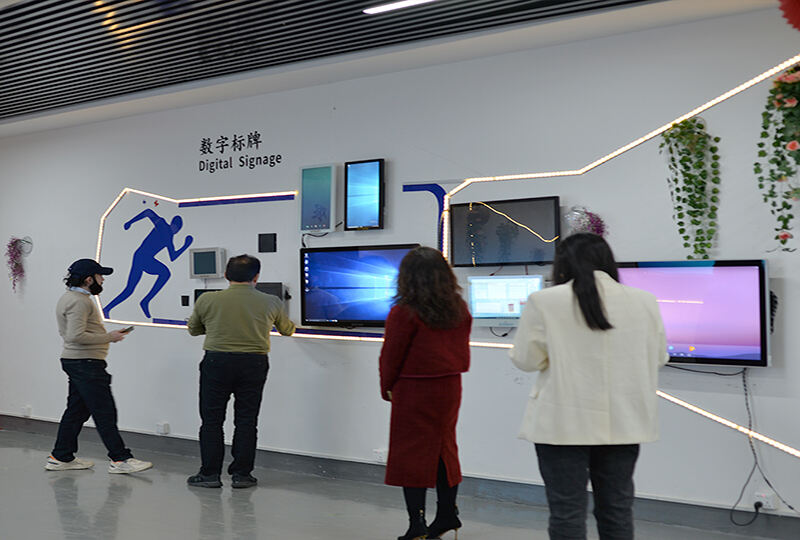
Custom touch screen kiosks represent a revolutionary approach to interactive digital solutions, designed to meet specific business requirements across diverse industries. These sophisticated self-service terminals combine cutting-edge touch technology with customizable hardware and software components, creating versatile platforms that enhance customer engagement and streamline operations. A custom touch screen kiosk delivers intuitive user interfaces through high-resolution displays, typically ranging from 15 to 55 inches, equipped with multi-touch capabilities and responsive gesture recognition. The technological foundation includes industrial-grade computers with robust processing power, ensuring smooth performance even during peak usage periods. Modern custom touch screen kiosks integrate advanced connectivity options including Wi-Fi, Ethernet, Bluetooth, and cellular networks, enabling seamless data synchronization and remote management capabilities. These systems feature weatherproof enclosures for outdoor applications, vandal-resistant designs for high-traffic environments, and ADA-compliant configurations to ensure accessibility. The software architecture supports various operating systems including Windows, Android, and Linux, allowing businesses to deploy applications tailored to their specific operational needs. Custom touch screen kiosks excel in information dissemination, transaction processing, wayfinding, registration services, and multimedia presentations. Healthcare facilities utilize these systems for patient check-ins and appointment scheduling, while retail environments deploy them for product catalogs and self-checkout processes. Educational institutions implement custom touch screen kiosks for campus navigation and student services, and transportation hubs rely on them for ticketing and schedule information. The modular design approach enables integration of additional peripherals such as barcode scanners, receipt printers, card readers, cameras, and payment processing modules. Security features include encrypted data transmission, user authentication protocols, and tamper-evident construction. The customization process encompasses hardware specifications, software development, branding elements, and deployment strategies, ensuring each custom touch screen kiosk aligns perfectly with organizational objectives and enhances the overall user experience while delivering measurable return on investment.

New Products

Custom touch screen kiosks provide substantial operational benefits that transform how businesses interact with customers and manage daily processes. These interactive solutions reduce staffing costs by automating routine tasks, allowing employees to focus on higher-value activities that require personal attention and specialized skills. Organizations experience significant improvements in service efficiency as custom touch screen kiosks operate continuously without breaks, handling multiple simultaneous users and eliminating waiting queues during peak periods. The data collection capabilities of these systems provide valuable insights into customer behavior patterns, preferences, and usage statistics, enabling businesses to make informed decisions about service improvements and resource allocation. Custom touch screen kiosks enhance customer satisfaction by providing immediate access to information and services, reducing frustration associated with traditional waiting times and limited service hours. The consistent user experience delivered by these systems eliminates variations in service quality that can occur with human interactions, ensuring every customer receives the same level of professional assistance. Businesses achieve better space utilization as custom touch screen kiosks require minimal floor space compared to traditional service counters while providing equivalent or superior functionality. The multilingual capabilities of these systems expand market reach by accommodating diverse customer demographics and international visitors without requiring multilingual staff. Real-time updates and content management features allow businesses to modify information, promotions, and services instantly across all deployed units, maintaining current and relevant customer communications. Custom touch screen kiosks integrate seamlessly with existing business management systems, synchronizing data and streamlining administrative processes while reducing manual data entry errors. The branding opportunities provided by these systems strengthen corporate identity through customized interfaces, color schemes, and messaging that reinforce brand recognition and professional image. Security enhancements include controlled access to sensitive functions, audit trails for transactions, and encrypted data handling that protects both business and customer information. The scalability of custom touch screen kiosk deployments enables businesses to expand services gradually, testing effectiveness in specific locations before implementing comprehensive solutions. Long-term cost savings result from reduced paper usage, decreased training requirements, and lower maintenance costs compared to traditional service delivery methods, while the professional appearance and advanced functionality of custom touch screen kiosks create positive impressions that enhance overall business reputation and customer loyalty.

Latest News

How Can a Self Ordering Kiosk Improve Efficiency in Restaurants?

25

Dec

How Can a Self Ordering Kiosk Improve Efficiency in Restaurants?

The restaurant industry faces mounting pressure to deliver faster service, reduce operational costs, and enhance customer satisfaction. A self ordering kiosk represents a transformative solution that addresses these challenges while positioning estab...
View More
What Factors Determine a High-Impact Digital Signage Setup?

17

Dec

What Factors Determine a High-Impact Digital Signage Setup?

The landscape of visual communication has transformed dramatically with the rise of outdoor digital signage solutions that captivate audiences and drive meaningful engagement. Modern businesses increasingly rely on these dynamic display technologies ...
View More
Why Choose an Interactive Display for Business Presentations?

05

Dec

Why Choose an Interactive Display for Business Presentations?

Modern business environments demand presentation solutions that engage audiences and facilitate meaningful collaboration. An interactive display represents a revolutionary shift from traditional projection systems, offering touch-enabled capabilities...
View More
Which industries are best suited to utilising freestanding self-service kiosks?

16

Jan

Which industries are best suited to utilising freestanding self-service kiosks?

The rapid evolution of digital technology has revolutionized customer service across numerous industries, with freestanding self-service kiosks emerging as a transformative solution for businesses seeking to enhance operational efficiency and custome...
View More

Get a Free Quote

Our representative will contact you soon.
Email
Name
Company Name
Mobile/WhatsApp
Message
0/1000

custom touch screen kiosk

Advanced Hardware Customization and Durability

Advanced Hardware Customization and Durability

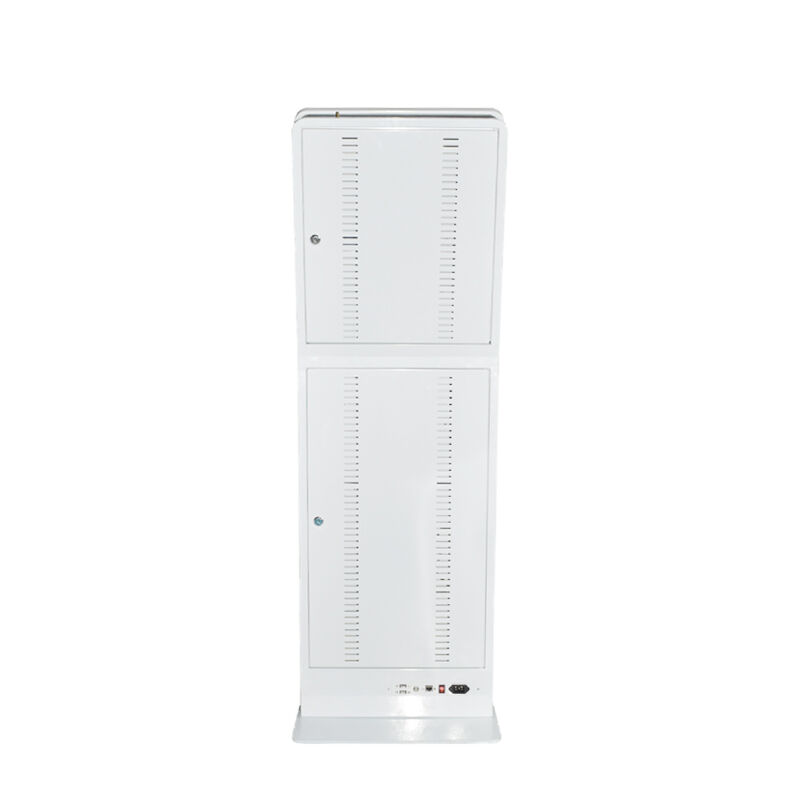
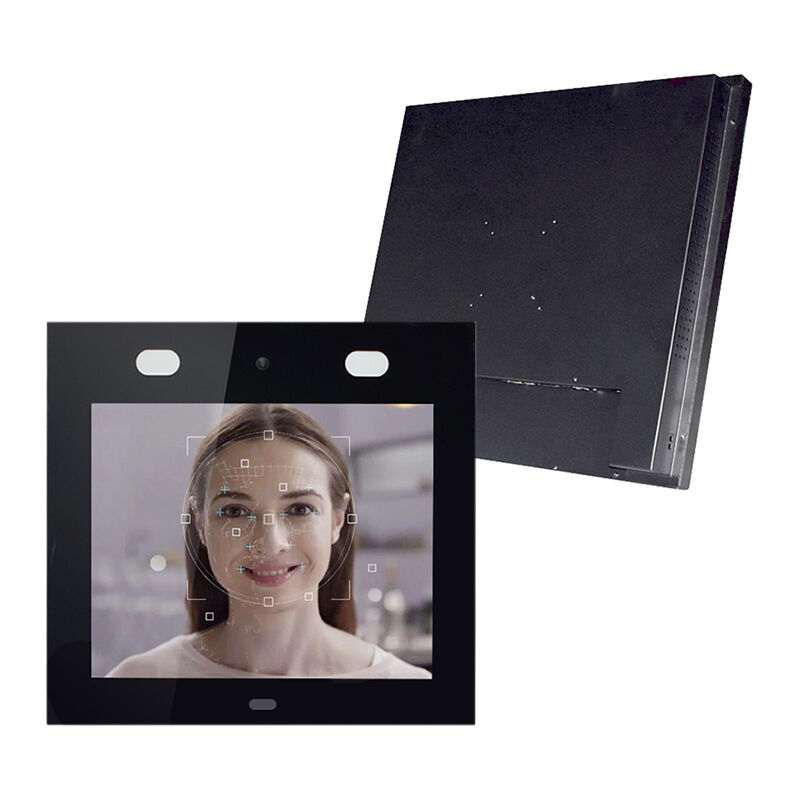
The advanced hardware customization capabilities of custom touch screen kiosks set them apart from generic solutions, offering businesses the flexibility to create systems that perfectly match their operational requirements and environmental conditions. These sophisticated terminals feature ruggedized construction with reinforced steel frames, tempered glass screens, and weatherproof sealing that ensures reliable performance in challenging conditions including extreme temperatures, humidity, and outdoor exposure. The customization process begins with careful assessment of deployment environments, allowing engineers to select appropriate materials and protective features that guarantee longevity and consistent operation. Custom touch screen kiosks accommodate various screen technologies including capacitive, resistive, and infrared touch systems, each optimized for specific applications and user interaction patterns. The processing power can be tailored through selection of industrial-grade computers with specifications ranging from basic ARM processors for simple applications to high-performance multi-core systems capable of handling complex multimedia content and simultaneous user sessions. Memory and storage configurations are customized based on application requirements, with options including solid-state drives for enhanced durability and faster data access, ensuring smooth performance even during intensive operations. The modular design philosophy enables integration of specialized peripherals including thermal printers for receipts, magnetic stripe readers for membership cards, RFID scanners for inventory tracking, high-resolution cameras for security and user verification, and advanced payment processing modules supporting multiple transaction types. Cable management systems and internal component organization are engineered for easy maintenance access while maintaining security and preventing tampering. The cooling systems are customized for specific thermal requirements, with options ranging from passive cooling for low-power applications to advanced ventilation and temperature control for high-performance installations. Power management features include uninterruptible power supply integration, energy-efficient components, and automatic sleep modes that reduce operational costs while maintaining system availability. The aesthetic customization extends beyond basic branding to include custom-molded enclosures, integrated lighting systems, and architectural elements that complement surrounding environments. Quality assurance processes ensure each custom touch screen kiosk meets rigorous testing standards for mechanical stress, electrical safety, and environmental resistance before deployment, providing businesses with confidence in their investment and long-term operational reliability.
Intuitive Software Development and User Experience

Intuitive Software Development and User Experience

The software development capabilities of custom touch screen kiosks enable creation of highly intuitive user interfaces that deliver exceptional customer experiences while meeting complex business requirements. Professional development teams utilize advanced frameworks and programming languages to build responsive applications that adapt seamlessly to various screen sizes and user interaction patterns. The user experience design process incorporates extensive research into target audience behaviors, accessibility requirements, and optimal interface layouts that minimize learning curves and maximize task completion rates. Custom touch screen kiosk applications feature sophisticated navigation systems with clear visual hierarchies, consistent button placement, and logical information flow that guides users naturally through complex processes. The development methodology emphasizes rapid prototyping and iterative testing to refine interfaces based on real-user feedback and usability studies. Advanced graphics engines enable smooth animations, transitions, and visual effects that enhance engagement while maintaining professional appearance and brand consistency. The software architecture supports multi-language implementations with dynamic content switching, cultural adaptations, and region-specific functionality that accommodates diverse user populations. Database integration capabilities allow custom touch screen kiosks to access real-time information from existing business systems, ensuring users receive current data for inventory, scheduling, pricing, and service availability. The content management system provides administrators with powerful tools for updating information, modifying layouts, and deploying new features across multiple kiosk locations simultaneously. Security protocols are embedded throughout the software stack, including user authentication, data encryption, session management, and activity logging that protects sensitive information while maintaining audit compliance. The application framework supports various interaction modes including single-touch navigation, multi-gesture controls, voice commands, and accessibility features for users with disabilities. Performance optimization techniques ensure responsive operation even with complex data processing, multimedia content, and network communications occurring simultaneously. Error handling mechanisms provide clear feedback and recovery options when issues occur, maintaining user confidence and preventing abandonment of transactions. The software development process includes comprehensive testing across different scenarios, user types, and system configurations to identify and resolve potential issues before deployment. Analytics integration provides detailed insights into user behavior patterns, popular features, completion rates, and system performance metrics that inform ongoing optimization efforts. The modular software architecture enables easy integration of additional features, third-party services, and business system connections as requirements evolve, ensuring custom touch screen kiosks remain valuable assets that adapt to changing organizational needs while delivering consistent, professional user experiences.

Comprehensive Integration and Scalable Deployment Solutions

Comprehensive Integration and Scalable Deployment Solutions

The comprehensive integration capabilities and scalable deployment solutions of custom touch screen kiosks provide businesses with flexible platforms that grow alongside organizational needs while seamlessly connecting with existing infrastructure and business processes. The integration architecture supports diverse connectivity protocols including RESTful APIs, SOAP web services, database connections, and real-time messaging systems that enable custom touch screen kiosks to communicate with enterprise resource planning systems, customer relationship management platforms, inventory management databases, and payment processing networks. This connectivity ensures data consistency across all business touchpoints while eliminating manual data entry and reducing operational overhead. The deployment framework accommodates various installation scenarios from single-location pilots to enterprise-wide rollouts spanning multiple geographic regions and facility types. Professional deployment teams conduct comprehensive site surveys to assess power requirements, network infrastructure, mounting options, and environmental factors that influence optimal kiosk placement and configuration. The centralized management system enables administrators to monitor, configure, and update multiple custom touch screen kiosks from a single dashboard, providing real-time status information, usage analytics, and maintenance alerts that streamline operations and reduce support costs. Cloud-based deployment options offer additional flexibility with automatic software updates, backup synchronization, and disaster recovery capabilities that ensure business continuity regardless of local infrastructure challenges. The scalability extends beyond hardware replication to include software licensing models that accommodate growth patterns, seasonal variations, and changing business requirements without significant additional investment. Load balancing and redundancy features distribute user traffic across multiple systems and provide failover capabilities that maintain service availability during peak usage periods or technical difficulties. The integration process includes extensive testing phases that verify compatibility with existing systems, validate data accuracy, and confirm security protocols before production deployment. Training and support services ensure successful adoption through comprehensive user guides, administrator training programs, and ongoing technical assistance that maximizes return on investment. The deployment methodology incorporates change management best practices that minimize disruption to existing operations while facilitating smooth transitions to new service delivery models. Performance monitoring tools provide continuous assessment of system utilization, response times, and user satisfaction metrics that inform optimization strategies and capacity planning decisions. The flexible architecture supports future technology integrations including artificial intelligence, machine learning algorithms, and emerging connectivity standards that extend the useful life of custom touch screen kiosk investments. Quality assurance processes ensure each deployment meets established performance benchmarks and user experience standards while maintaining security compliance and regulatory requirements specific to industry verticals and geographic regions where the systems operate.

Get a Free Quote

Our representative will contact you soon.
Email
Name
Company Name
Mobile/WhatsApp
Message
0/1000