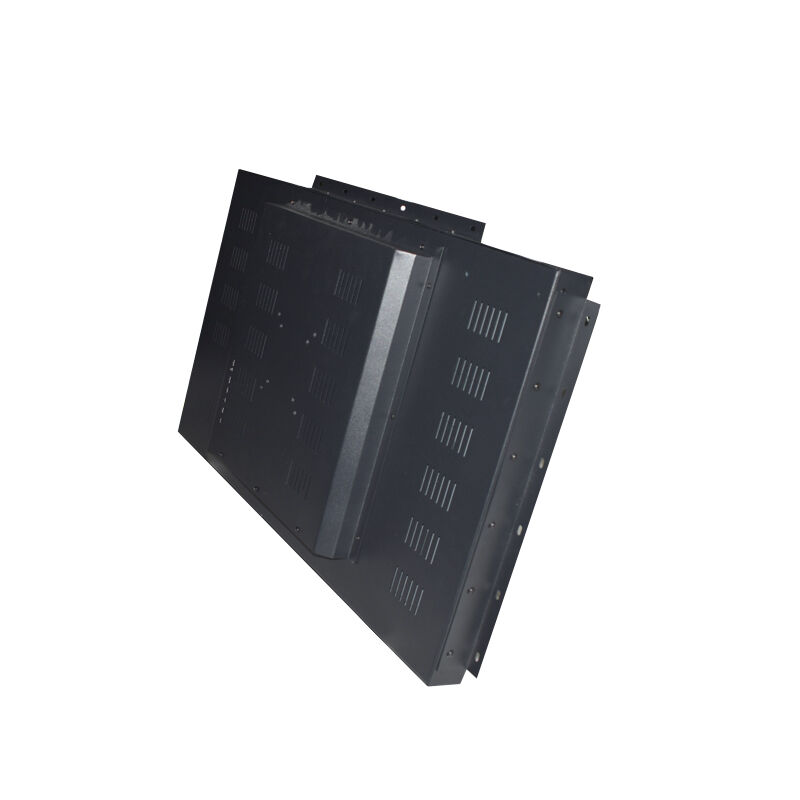
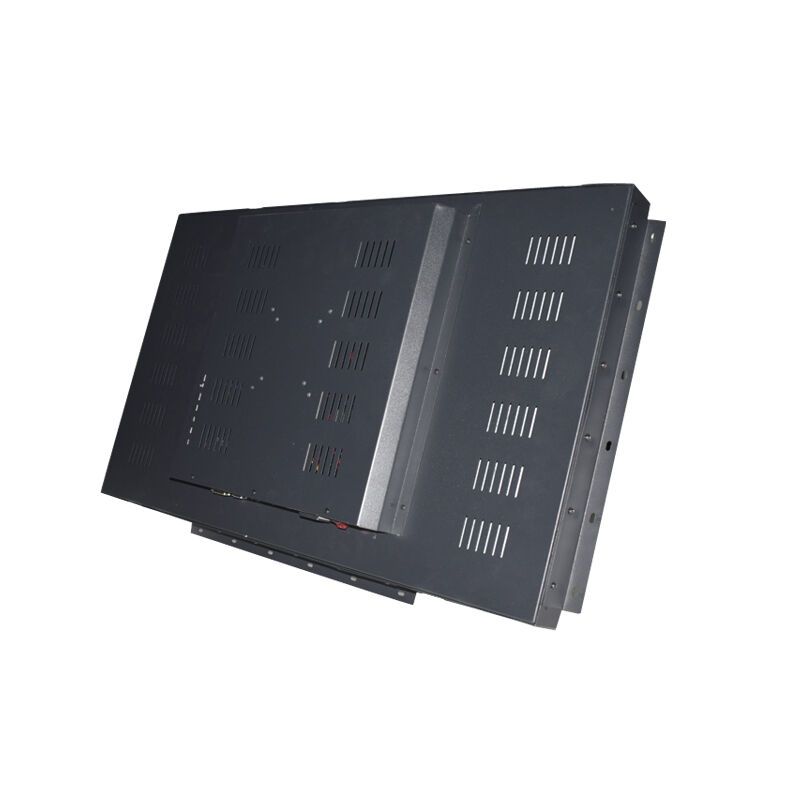
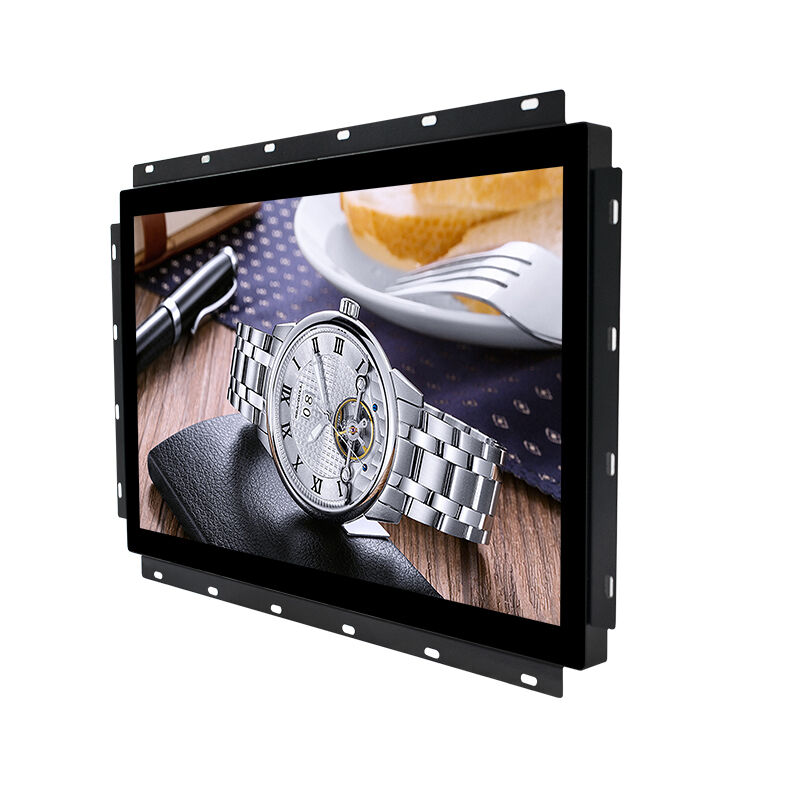
desktop lcd monitor
A desktop LCD monitor represents an essential component of modern computing setups, serving as the primary visual interface between users and their digital workspace. The desktop LCD monitor utilizes liquid crystal display technology to deliver crisp, clear images and text across various screen sizes, typically ranging from 19 inches to 32 inches or larger. These monitors incorporate advanced backlighting systems, usually LED-based, to ensure consistent brightness and energy efficiency throughout extended usage periods. The desktop LCD monitor functions as a standalone display unit that connects to computers, laptops, gaming consoles, and other devices through multiple connectivity options including HDMI, DisplayPort, USB-C, and VGA ports. Modern desktop LCD monitor units feature impressive resolution capabilities, with many models supporting Full HD 1920x1080 pixels, while premium versions offer 4K Ultra HD 3840x2160 pixel resolution for exceptional detail clarity. The technological framework of a desktop LCD monitor includes sophisticated color reproduction systems that can display millions of colors with remarkable accuracy, making them suitable for professional graphic design, photo editing, and video production tasks. Response time specifications in contemporary desktop LCD monitor models have significantly improved, with many units achieving 1ms to 5ms response times that eliminate motion blur during fast-paced gaming or video playback. Refresh rate capabilities vary across different desktop LCD monitor models, with standard units operating at 60Hz while gaming-focused versions can reach 144Hz, 240Hz, or even higher frequencies for smoother visual experiences. The desktop LCD monitor market encompasses various panel technologies including IPS (In-Plane Switching), TN (Twisted Nematic), and VA (Vertical Alignment), each offering distinct characteristics in terms of viewing angles, color accuracy, and response times to meet specific user requirements and preferences.
 EN
EN