Interactive Multi Touch Display Solutions - Advanced Collaboration Technology for Modern Workspaces

Get a Free Quote

Our representative will contact you soon.
Email
Name
Company Name
Mobile/WhatsApp
Message
0/1000

interactive multi touch display

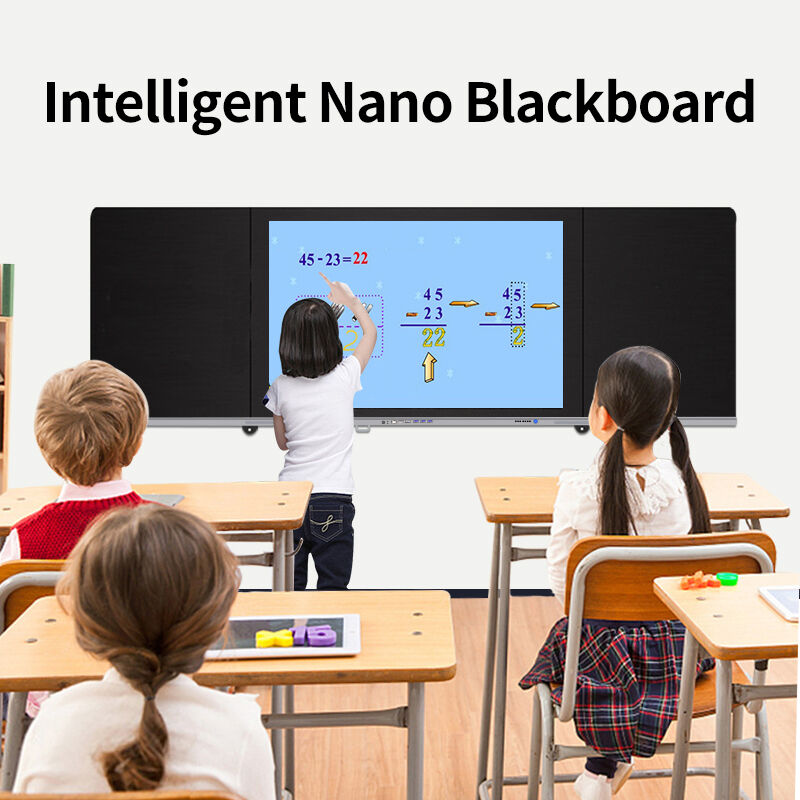
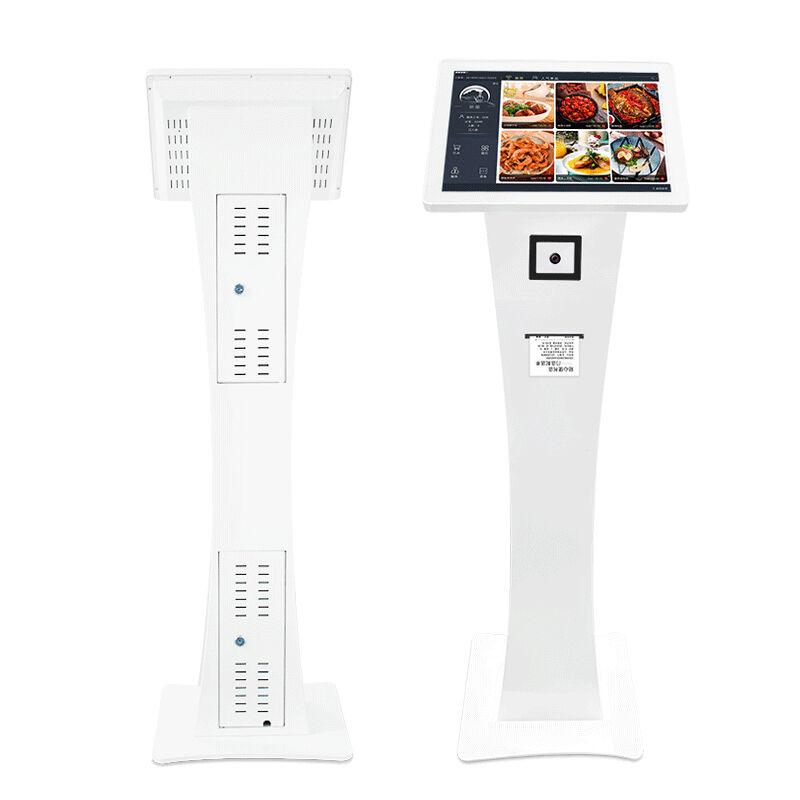
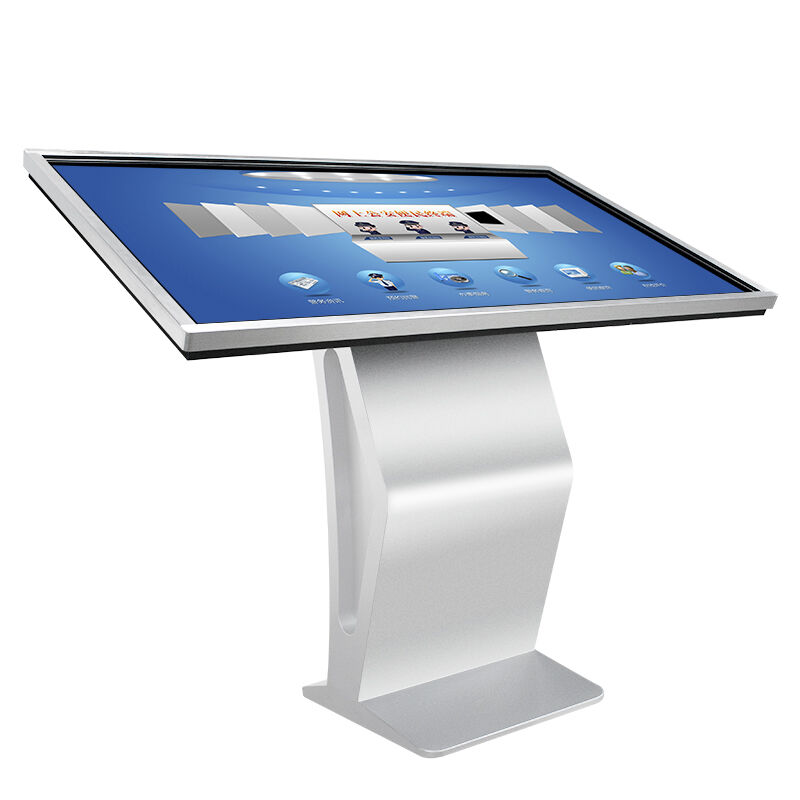
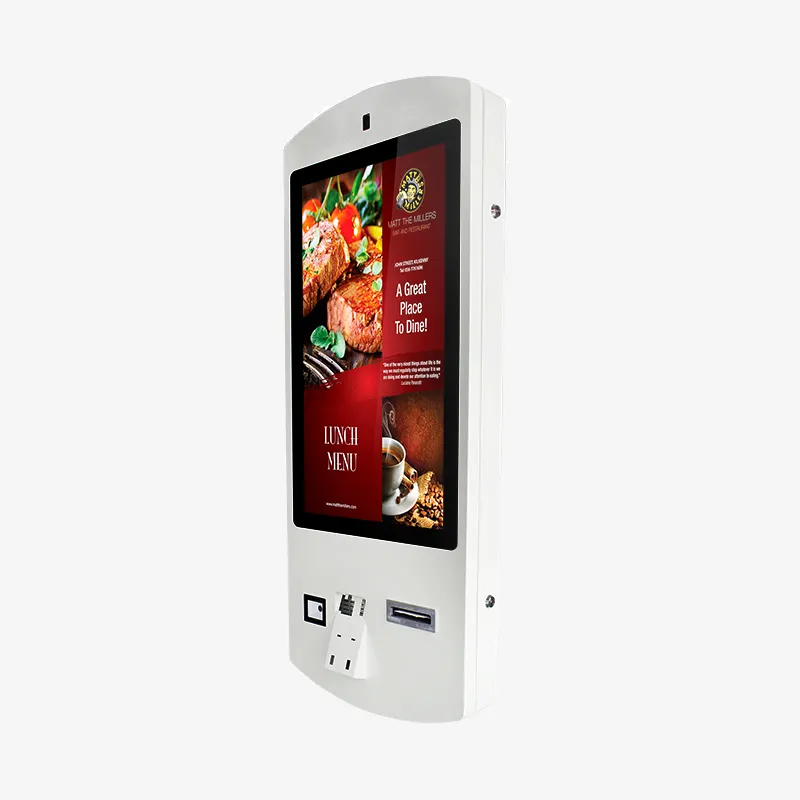
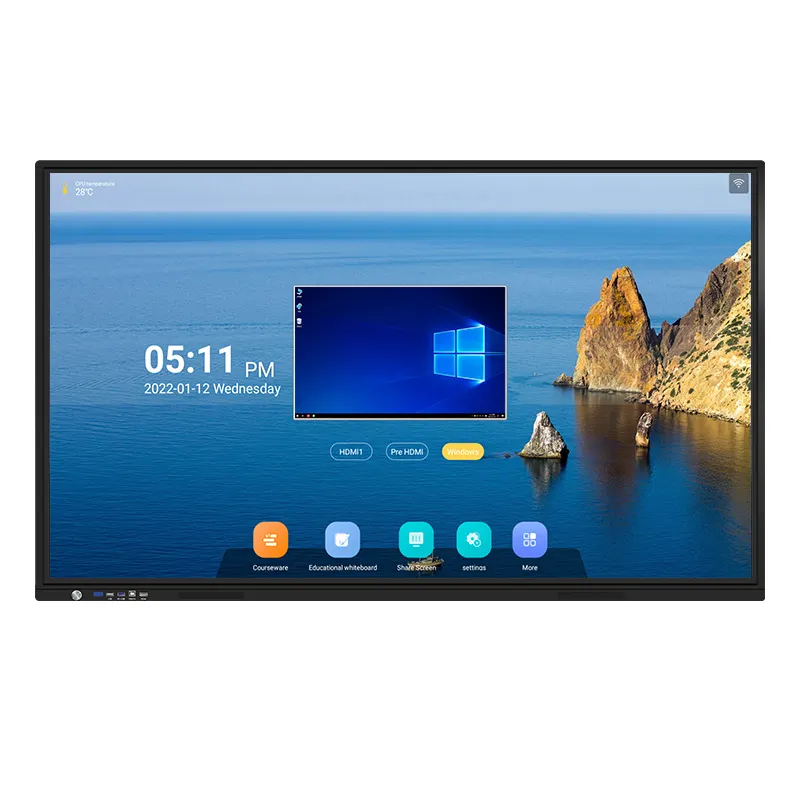
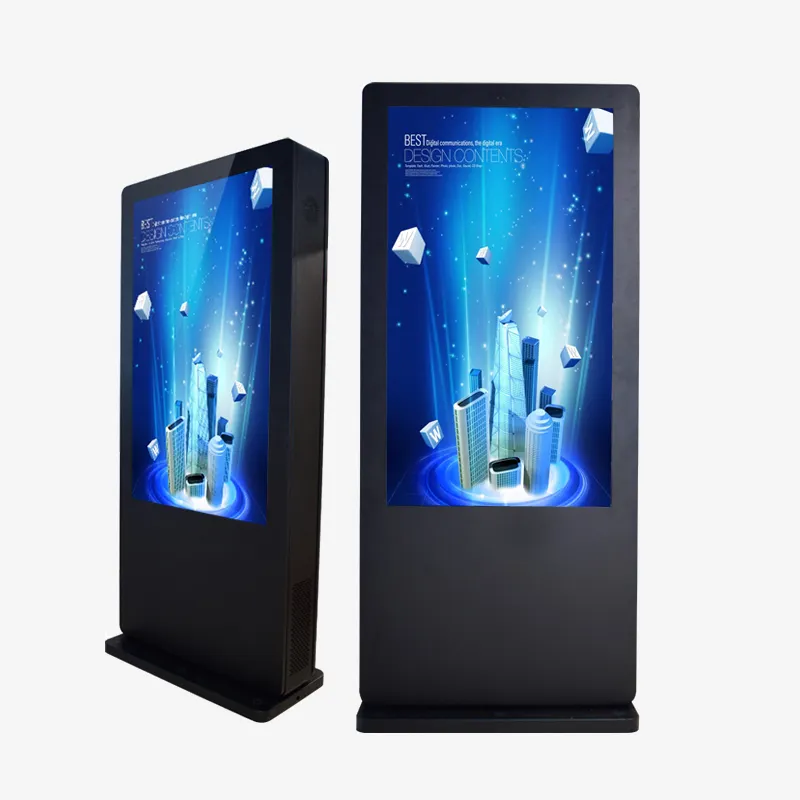
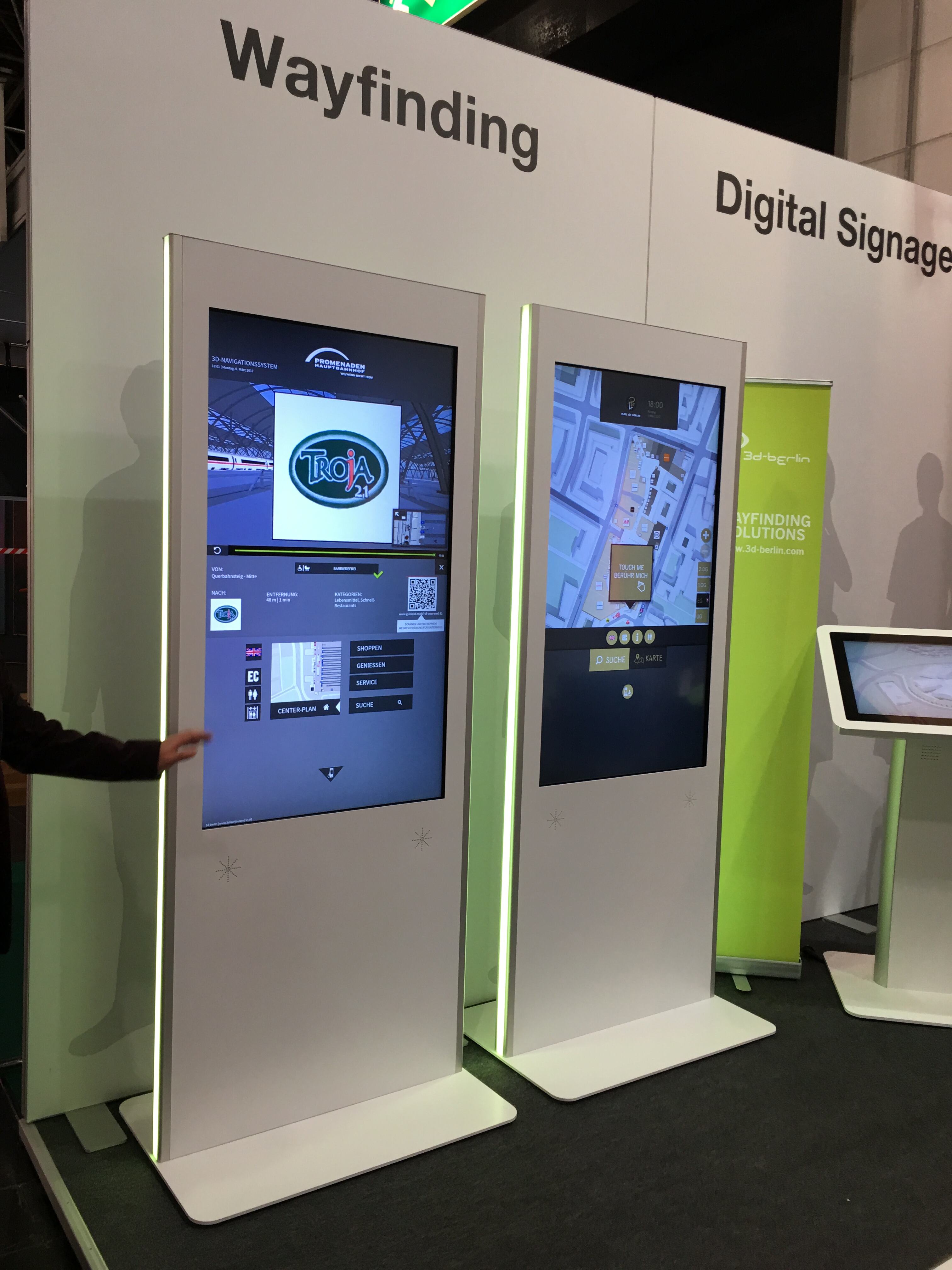
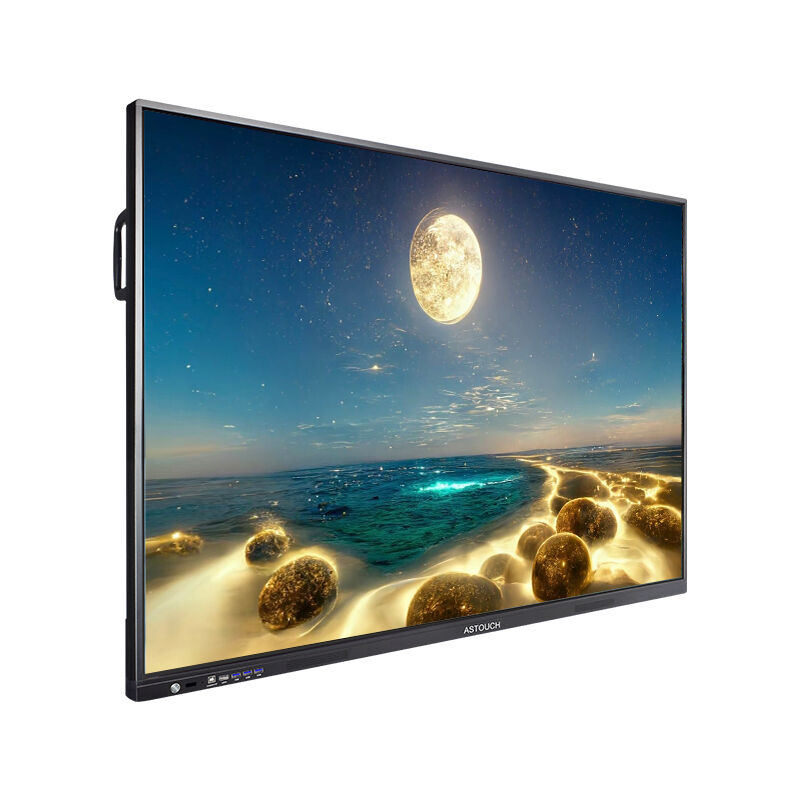
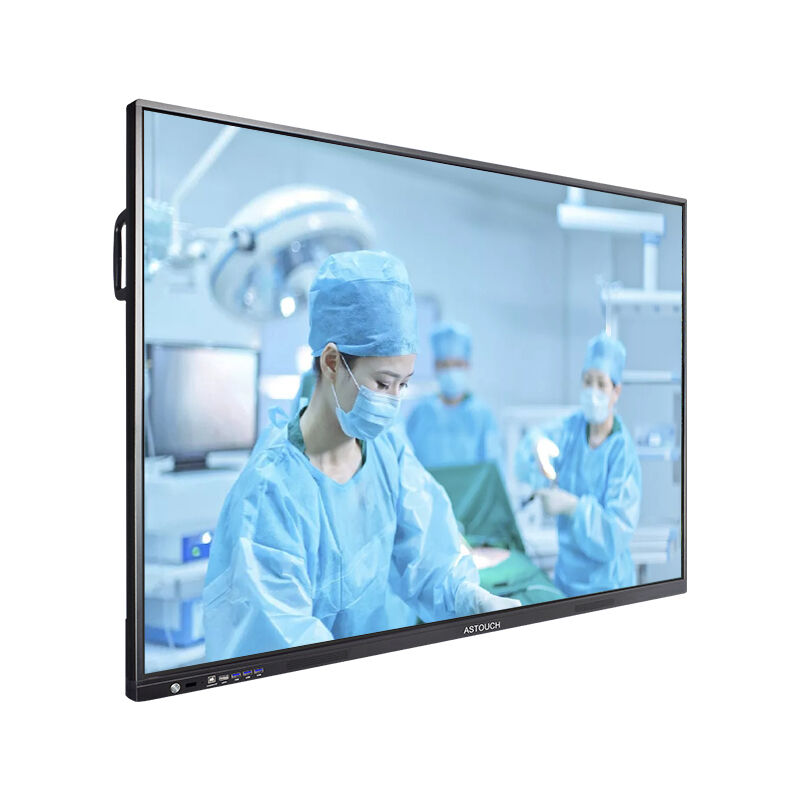
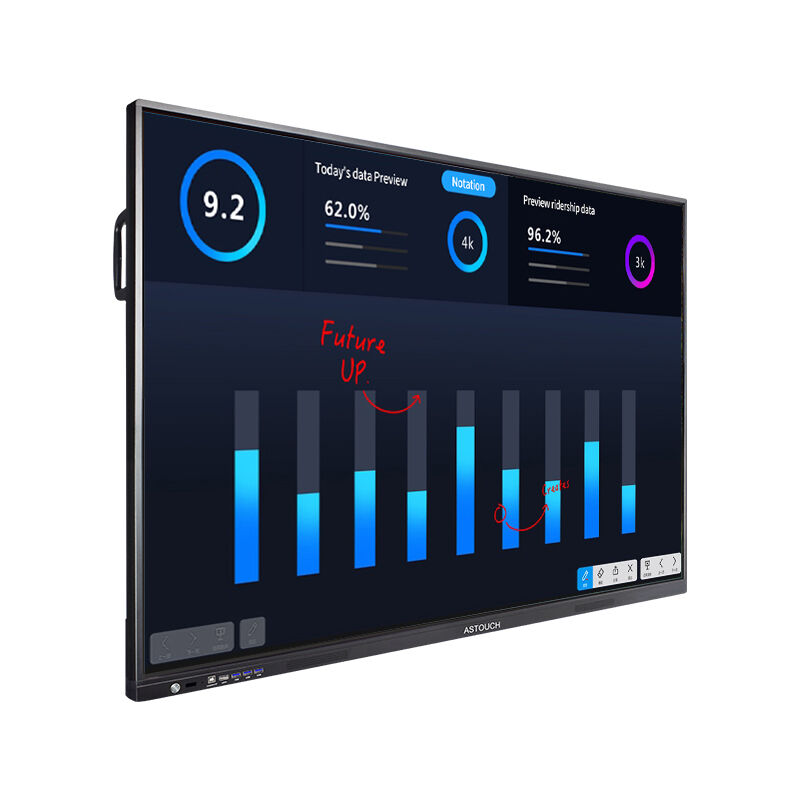
An interactive multi touch display represents a revolutionary advancement in digital communication technology, transforming how users engage with digital content across various environments. This sophisticated display system combines cutting-edge touch sensitivity with high-resolution visual capabilities, creating an immersive experience that responds to multiple simultaneous touch inputs. The interactive multi touch display utilizes advanced capacitive or infrared sensing technology to detect and process finger movements, gestures, and multi-point interactions with remarkable precision and speed. These displays feature crystal-clear image quality, typically offering 4K or higher resolution, ensuring that every detail appears sharp and vibrant. The main functions of an interactive multi touch display include gesture recognition, multi-user collaboration, content manipulation, annotation capabilities, and seamless integration with various software applications. Users can pinch to zoom, rotate objects, draw directly on the screen, and perform complex multi-finger gestures that enhance productivity and creativity. The technological features encompass advanced processing units, responsive touch controllers, anti-glare coatings, and durable construction designed for continuous operation. Many interactive multi touch displays incorporate wireless connectivity options, allowing users to share content from smartphones, tablets, and computers effortlessly. The applications span across education, corporate presentations, retail environments, healthcare facilities, museums, and entertainment venues. In educational settings, teachers use interactive multi touch displays to create engaging lessons where students can participate actively by manipulating digital content. Corporate environments benefit from these displays during meetings and presentations, enabling collaborative brainstorming and real-time content editing. Retail businesses utilize interactive multi touch displays for customer engagement, product demonstrations, and interactive catalogs. Healthcare professionals employ these systems for patient education, medical imaging review, and training purposes. The versatility and adaptability of interactive multi touch displays make them essential tools for modern digital communication and collaboration.

New Products

Interactive multi touch displays offer numerous practical advantages that directly benefit users across different industries and applications. These displays significantly enhance collaboration by allowing multiple people to work simultaneously on the same screen, eliminating the traditional barriers of single-user interfaces. Teams can brainstorm more effectively, share ideas instantly, and make real-time modifications to projects without switching between devices or waiting for turns. The intuitive nature of touch interaction reduces learning curves and training time, as users naturally understand how to interact with content through familiar gestures like tapping, swiping, and pinching. This user-friendly approach increases productivity and reduces the frustration often associated with complex traditional interfaces. Interactive multi touch displays improve engagement levels dramatically compared to conventional presentation methods. Audiences become active participants rather than passive observers, leading to better information retention and more dynamic discussions. The visual impact of high-resolution displays captures attention effectively, making presentations more memorable and impactful. Cost efficiency represents another significant advantage, as these displays consolidate multiple functions into one device, eliminating the need for separate projectors, whiteboards, computers, and other presentation equipment. Organizations save money on equipment purchases, maintenance, and space requirements while gaining superior functionality. The durability and reliability of modern interactive multi touch displays ensure long-term value with minimal maintenance requirements. Many displays feature scratch-resistant surfaces and robust construction that withstand heavy daily use in demanding environments. Installation flexibility allows these displays to be mounted on walls, integrated into furniture, or used as portable solutions depending on specific needs. The connectivity options enable seamless integration with existing technology infrastructure, supporting various input sources and network configurations. Updates and software enhancements can be deployed remotely, ensuring that the interactive multi touch display remains current with the latest features and security patches. Energy efficiency has improved significantly in recent models, reducing operational costs while maintaining superior performance. The ability to customize interfaces and applications allows organizations to tailor the interactive multi touch display experience to their specific workflows and requirements, maximizing utility and user satisfaction.

Latest News

Why Choose a Touch Screen Kiosk for Retail and Service Automation?

23

Dec

Why Choose a Touch Screen Kiosk for Retail and Service Automation?

Modern retail and service environments are rapidly transforming through digital automation, with touch screen kiosk technology leading this revolutionary change. Businesses across industries are discovering that implementing interactive self-service ...
View More
Why Choose an Interactive Display for Business Presentations?

05

Dec

Why Choose an Interactive Display for Business Presentations?

Modern business environments demand presentation solutions that engage audiences and facilitate meaningful collaboration. An interactive display represents a revolutionary shift from traditional projection systems, offering touch-enabled capabilities...
View More
Which industries are best suited to utilising freestanding self-service kiosks?

16

Jan

Which industries are best suited to utilising freestanding self-service kiosks?

The rapid evolution of digital technology has revolutionized customer service across numerous industries, with freestanding self-service kiosks emerging as a transformative solution for businesses seeking to enhance operational efficiency and custome...
View More
What Features Make an Advertising Display More Effective?

22

Jan

What Features Make an Advertising Display More Effective?

Modern businesses face increasing competition for consumer attention, making the choice of an effective advertising display crucial for marketing success. Digital advertising displays have revolutionized how companies communicate with their target au...
View More

Get a Free Quote

Our representative will contact you soon.
Email
Name
Company Name
Mobile/WhatsApp
Message
0/1000

interactive multi touch display

Advanced Multi-User Collaboration Capabilities

Advanced Multi-User Collaboration Capabilities

The collaborative potential of an interactive multi touch display transforms traditional workspace dynamics by enabling simultaneous multi-user interaction that revolutionizes team productivity and creativity. This remarkable feature allows up to twenty or more users to interact with the display concurrently, each contributing their unique perspective and expertise to shared projects without interference or conflicts. The advanced touch recognition technology distinguishes between different users and touch points, ensuring that each person's gestures and inputs are processed accurately and independently. This collaborative environment fosters innovation by breaking down the barriers that typically limit group participation in digital activities. Teams can work together on complex presentations, design projects, data analysis, and strategic planning sessions with unprecedented efficiency and engagement. The interactive multi touch display recognizes palm rejection, preventing accidental inputs when users rest their hands on the screen while drawing or writing. Multiple participants can annotate documents simultaneously, add comments, highlight important sections, and contribute ideas in real-time without disrupting others' work. This capability proves invaluable in educational environments where students can collaborate on group projects, solve problems together, and learn from each other's approaches. Corporate teams benefit from enhanced brainstorming sessions where ideas flow freely and can be captured, organized, and developed collaboratively. The system maintains individual user sessions and contributions, allowing for easy tracking of input sources and maintaining accountability for changes and suggestions. Advanced gesture recognition enables natural interactions like splitting content between users, sharing resources, and transferring elements from one user's workspace to another seamlessly. The collaborative features extend beyond physical presence through network connectivity, allowing remote participants to join sessions and contribute equally to discussions and project development. This inclusive approach ensures that geographical barriers don't limit collaboration potential, making the interactive multi touch display an essential tool for modern distributed teams and global organizations.
Intuitive Touch Interface with Advanced Gesture Recognition

Intuitive Touch Interface with Advanced Gesture Recognition

The intuitive touch interface of an interactive multi touch display represents a paradigm shift in human-computer interaction, offering users a natural and responsive experience that mirrors real-world object manipulation. This sophisticated interface eliminates the traditional barriers between users and digital content, creating an environment where interaction feels as natural as working with physical materials. The advanced gesture recognition system supports a comprehensive range of touch commands, from simple taps and swipes to complex multi-finger gestures that enable precise control over digital elements. Users can rotate images with two fingers, scale objects using pinch gestures, and navigate through content with fluid, intuitive movements that require no special training or technical expertise. The interactive multi touch display responds to touch with minimal latency, creating a responsive experience that feels immediate and natural. This responsiveness proves crucial in applications where timing and precision matter, such as medical imaging, architectural design, and interactive presentations. The pressure sensitivity feature allows for variable line thickness in drawing applications, artistic expression tools, and signature capture systems, adding another dimension of control and creativity. Palm rejection technology ensures that users can rest their hands naturally on the screen while writing or drawing without creating unwanted marks or commands, replicating the comfortable experience of working on paper. The interface adapts to different user preferences and accessibility needs, offering customizable gesture sensitivity, button sizes, and interaction modes that accommodate users with varying abilities and comfort levels. Advanced haptic feedback provides subtle tactile responses that confirm successful interactions and guide users through complex procedures, enhancing the overall user experience and reducing errors. The gesture library continues expanding through software updates, adding new capabilities and refining existing functions based on user feedback and technological advances. This evolutionary approach ensures that the interactive multi touch display remains current with user expectations and industry standards while maintaining compatibility with legacy applications and established workflows.
Seamless Integration and Connectivity Solutions

Seamless Integration and Connectivity Solutions

The seamless integration capabilities of an interactive multi touch display provide organizations with unparalleled flexibility and connectivity options that enhance productivity while simplifying technology management. This comprehensive connectivity suite enables effortless connection to various devices, networks, and platforms, creating a unified digital ecosystem that supports diverse workflow requirements and technical specifications. The display supports multiple input sources simultaneously, allowing users to switch between laptops, tablets, smartphones, and other devices without complex setup procedures or technical interventions. Wireless casting technologies enable instant content sharing from personal devices, eliminating cable management issues and creating a cleaner, more professional presentation environment. The interactive multi touch display integrates seamlessly with popular cloud platforms, enabling direct access to documents, presentations, and collaborative tools stored in Google Drive, Microsoft Office 365, Dropbox, and other cloud services. This integration streamlines workflows by eliminating the need to transfer files between devices or worry about version control issues. Network administrators appreciate the robust security features that protect sensitive data while maintaining user convenience, including encrypted connections, user authentication protocols, and permission-based access controls. The display supports various operating systems and software environments, ensuring compatibility with existing IT infrastructure and reducing implementation challenges. API access allows custom software integration, enabling organizations to develop specialized applications that leverage the unique capabilities of the interactive multi touch display while maintaining consistency with existing business processes. Remote management capabilities simplify device monitoring, software updates, and troubleshooting procedures, reducing IT support requirements and minimizing downtime. The display can be configured to integrate with room scheduling systems, video conferencing platforms, and building automation systems, creating smart meeting spaces that adapt automatically to user needs and preferences. Energy management features enable integration with building systems to optimize power consumption based on occupancy schedules and usage patterns. The backward compatibility ensures that legacy applications and hardware continue functioning properly while organizations gradually transition to newer technologies, protecting existing investments and minimizing disruption during technology upgrades.

Get a Free Quote

Our representative will contact you soon.
Email
Name
Company Name
Mobile/WhatsApp
Message
0/1000